I'm Speaking At Graphics
I'm speaking at graphics for your speakers.
Give every speaker a branded graphic with their photo, name and session title. They open one link, fill in the text fields and post to LinkedIn with your prepared caption. No design requests, no back and forth.
- EU-hosted
- GDPR compliant
- Setup in minutes
- Impressions from 100 posts
- 250K+
- Impressions from 100 posts
- Open-to-download rate
- 40–60%
- Open-to-download rate
- Needed by speakers
- No account
- Needed by speakers
- For the whole lineup
- One link
- For the whole lineup
Trusted by 300+ events and partners
Some of our 300+ events & partners


'%20stroke-width='15.5409'%20stroke-linecap='round'%20stroke-linejoin='round'/%3e%3cdefs%3e%3clinearGradient%20id='paint0_linear_233_1105'%20x1='19.326'%20y1='141.57'%20x2='187.82'%20y2='108.144'%20gradientUnits='userSpaceOnUse'%3e%3cstop%20offset='0.0673077'%20stop-color='white'/%3e%3cstop%20offset='1'%20stop-color='%23A8A8A8'/%3e%3c/linearGradient%3e%3c/defs%3e%3c/svg%3e)












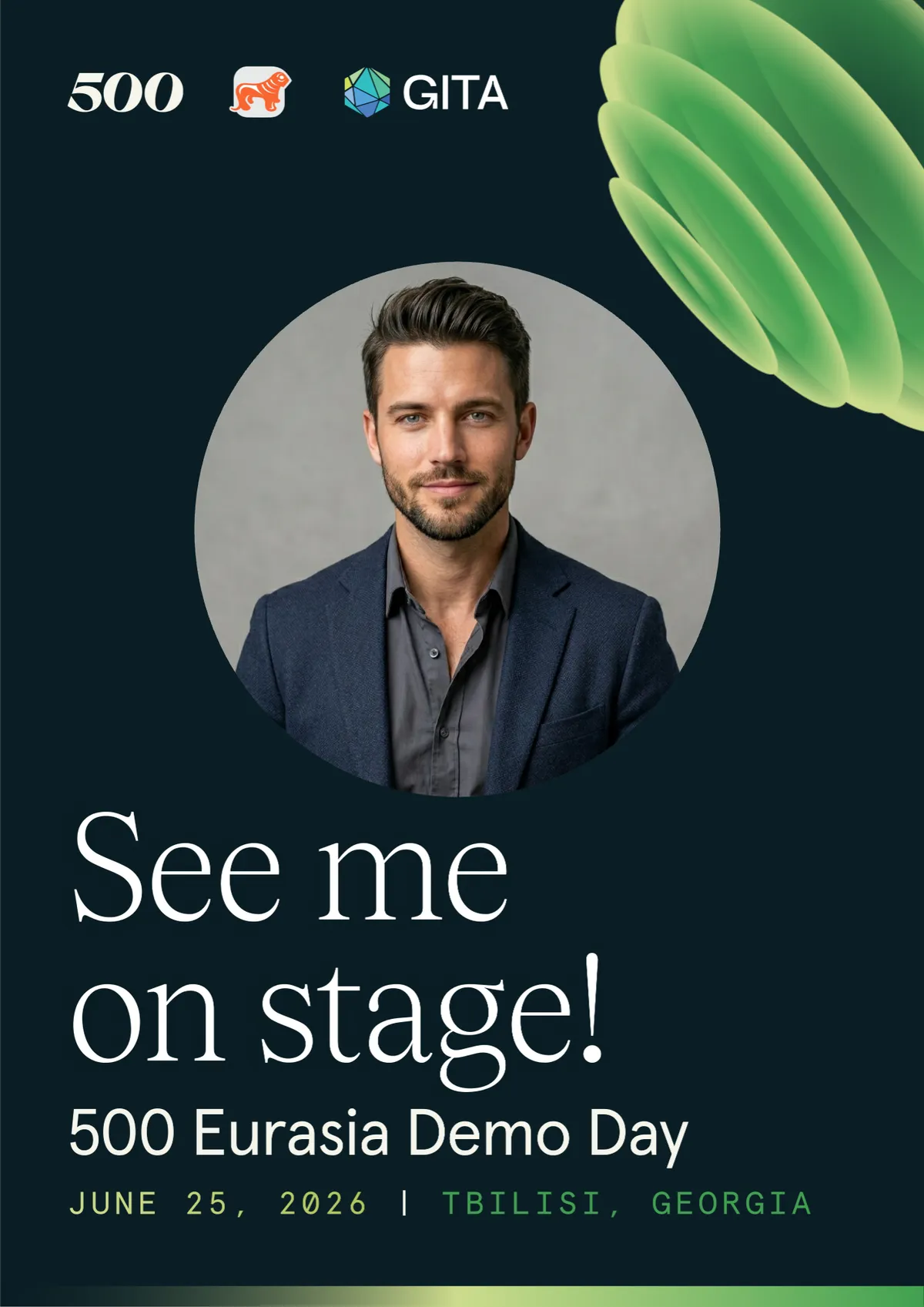
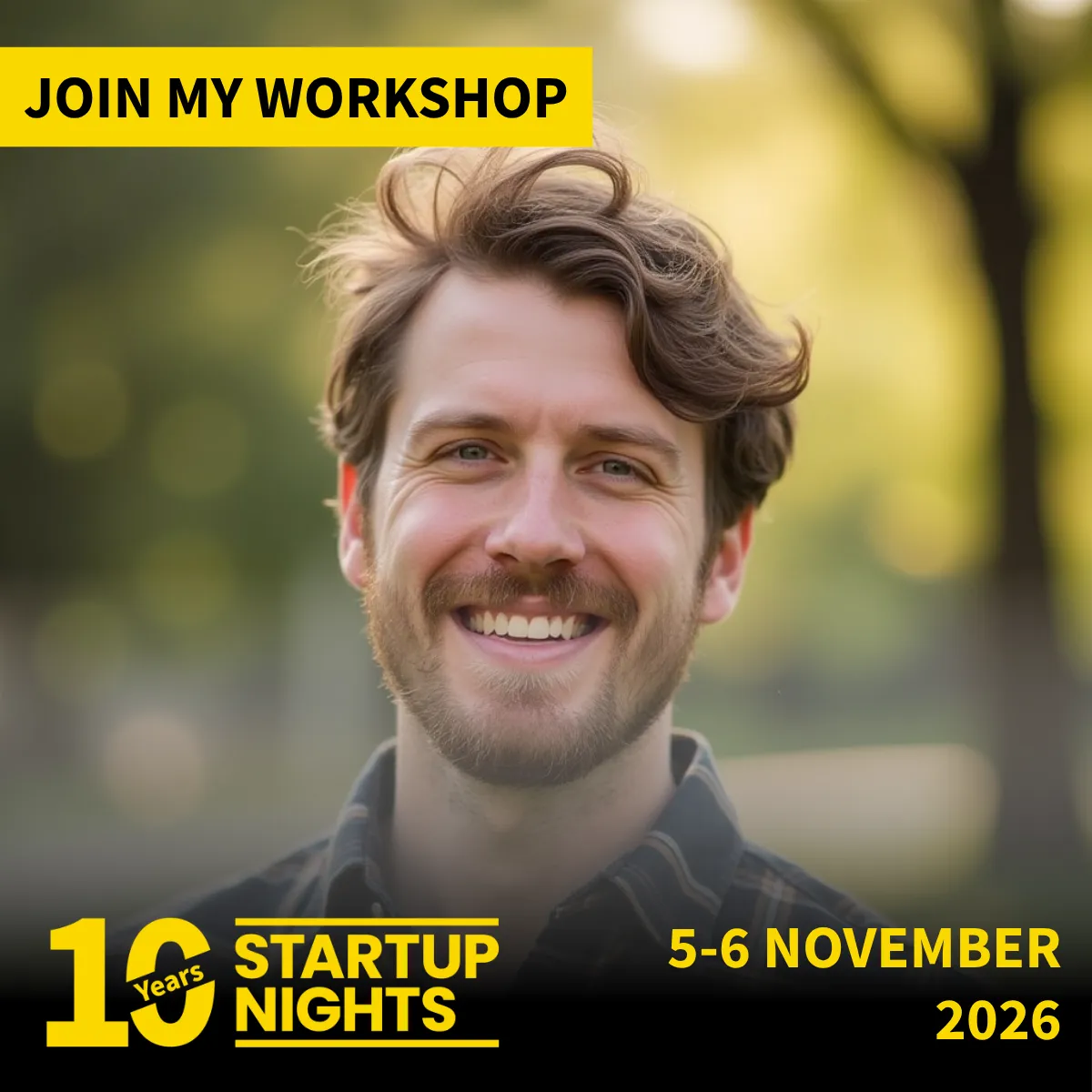
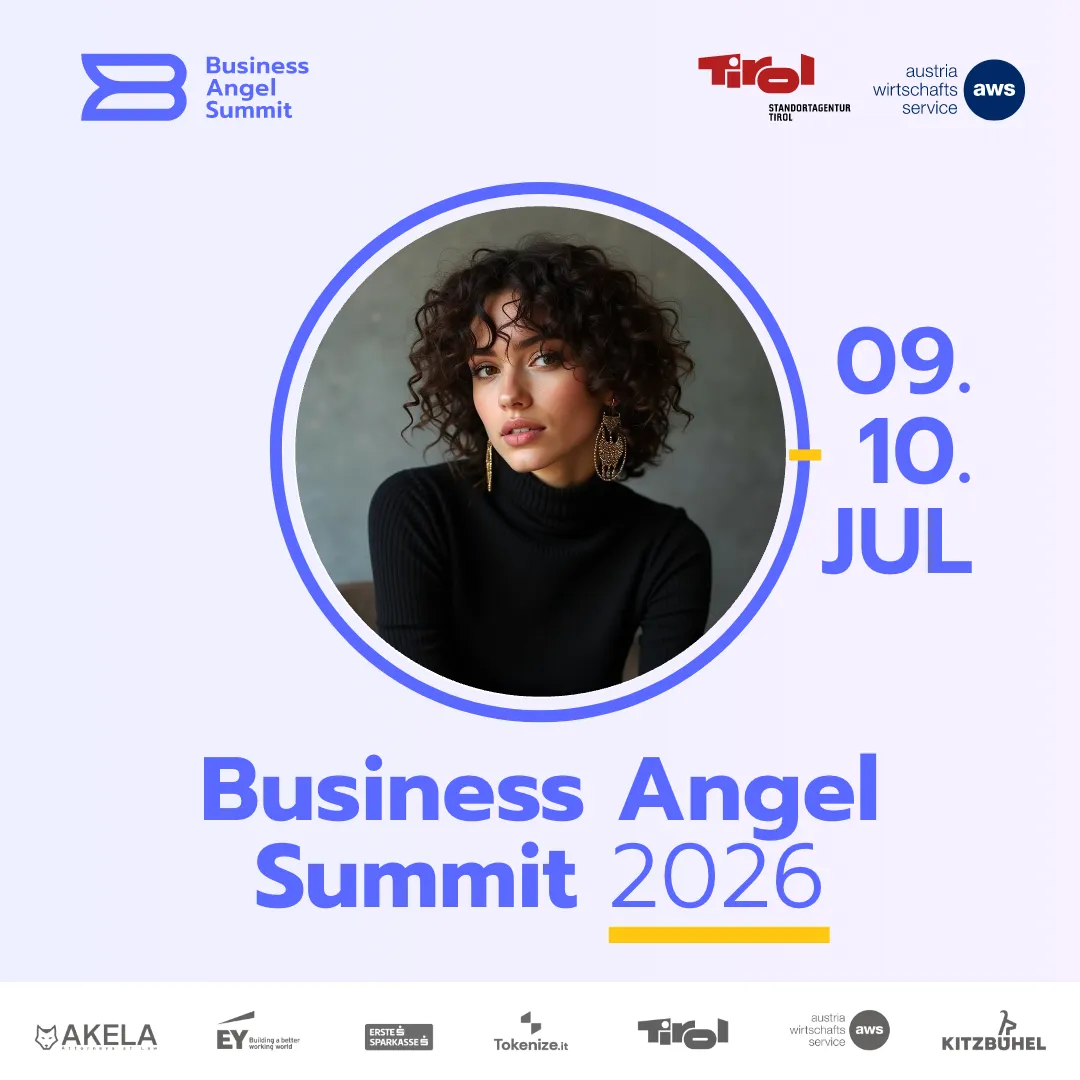
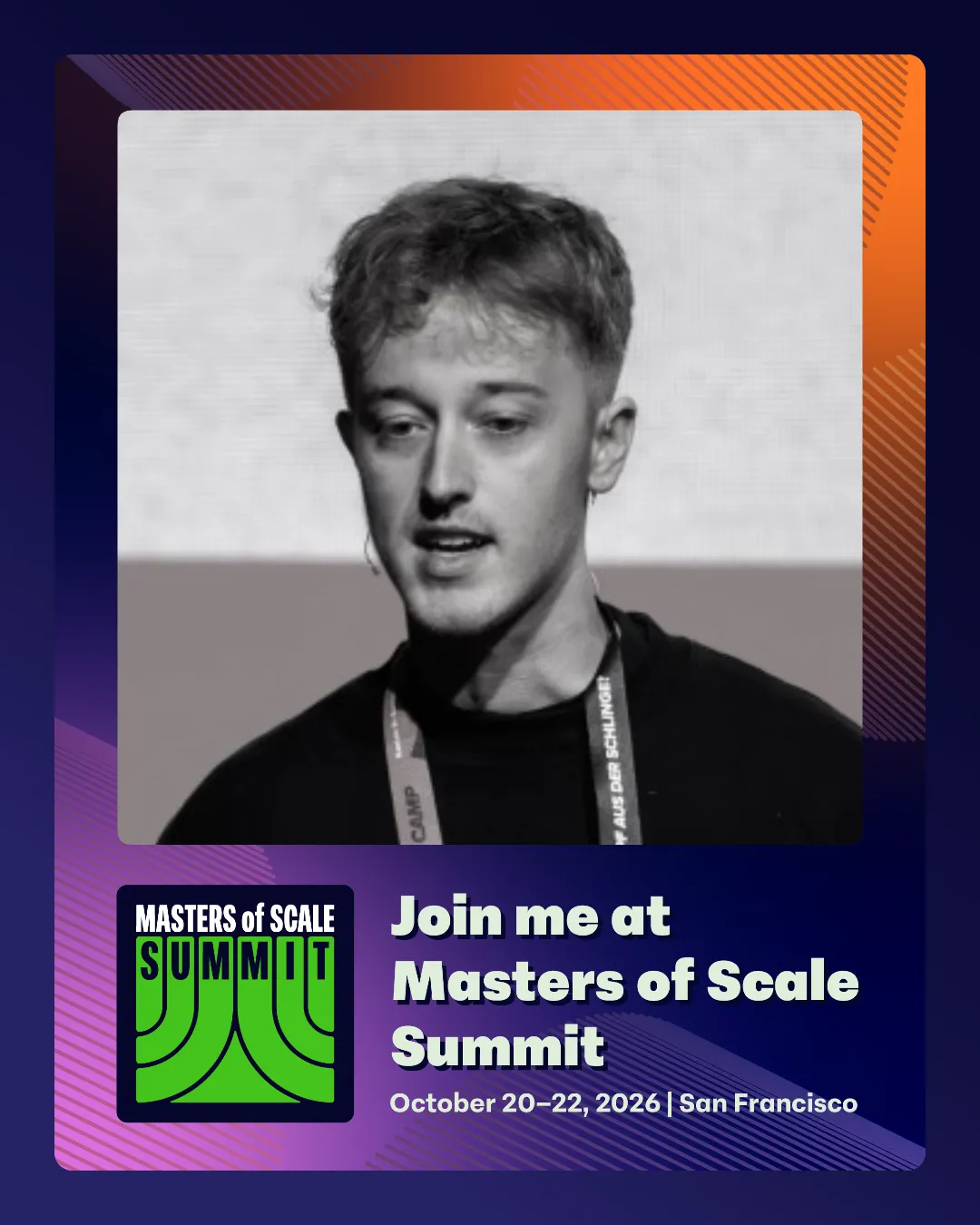
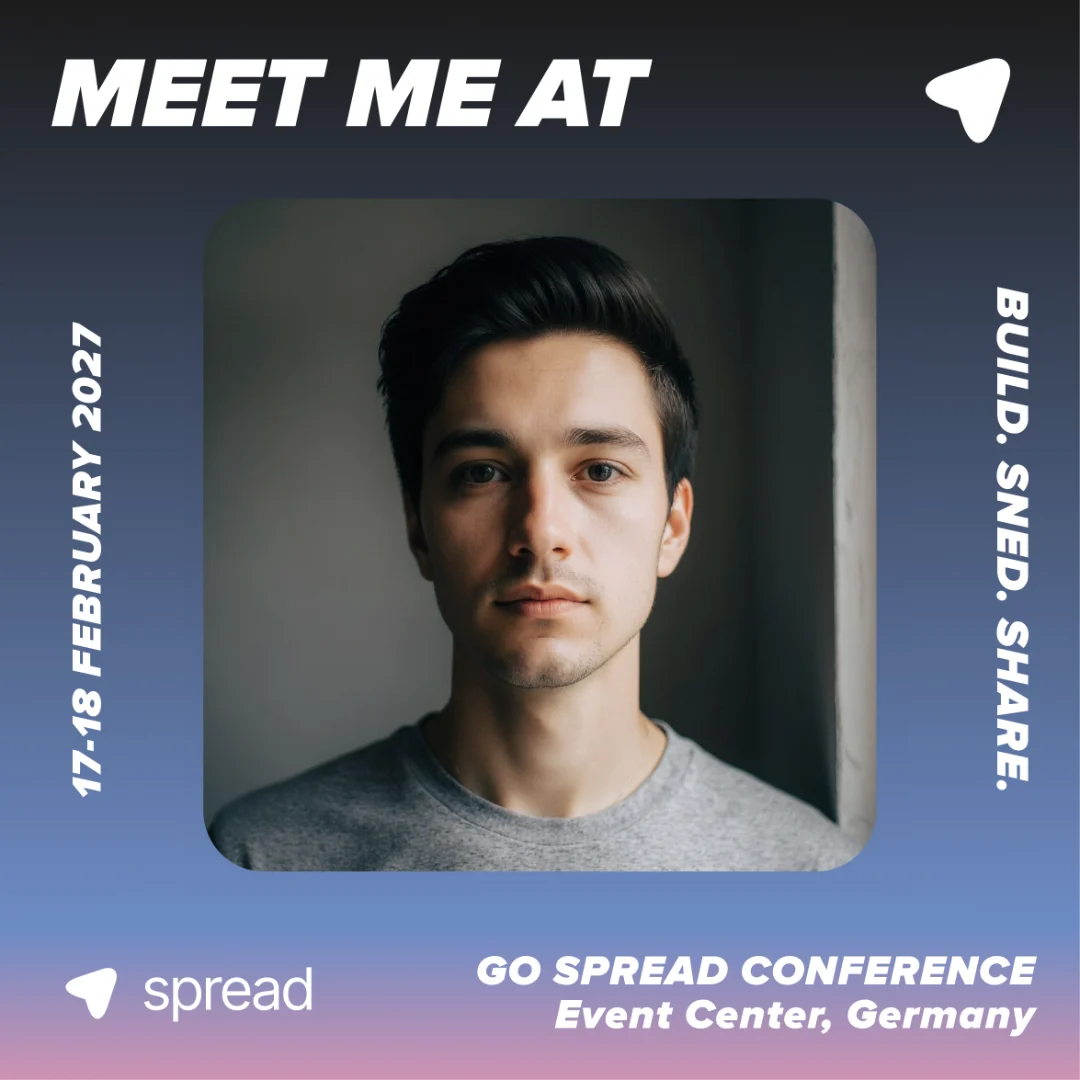
Speaker graphics from real events
Real speakers. Real stages.
Organizers run speaker, workshop and attendee versions in one campaign. The speaker adds the photo, the event design stays exactly as planned.
Why speakers post
Speakers have the audience. Give them something worth posting.
Speakers are proud to be on your agenda, and their networks want to know. What usually stops them is the missing asset: a graphic that looks right, a caption, and time they do not have.
A post with their face
The speaker's own photo and session title make the announcement personal. Their network recognizes them first, then your event.
No design queue
You design one speaker template. Every speaker fills in their own name and session, so your team never builds a graphic per speaker by hand.
A caption ready to go
A prepared caption gives speakers a strong first line, your hashtag and the event link. They can edit it before posting.
How it works
Three steps for you. One link for every speaker.
Design the speaker graphic
Upload your artwork or build it in the Design Builder, place the photo area and turn on Add Text with fields like Name, Company and Session title.
LinkedIn Post Story 9:16 Landscape Send one link
Put the campaign link into your speaker onboarding email or speaker kit. Speakers need no account and no app.
You're in! Show your network you're comingGo Spread Conference · Registration confirmedCreate your Meet Me graphicgo-spread.com/spread-conferenceNewsletterSlackWhatsAppWebsiteSpeakers post
They add a photo, fill in their details and post straight to LinkedIn with your caption, or download the PNG.
Features
Built for the lineup. Every speaker on brand.
Text fields for speakers
Name and Company by default, plus any field you add, such as session title. Font, size and color stay yours.
Speaker and attendee graphics
Add Another Graphic puts speaker, attendee and sponsor versions in one campaign. Everyone picks theirs.
Prepared captions
Up to ten caption suggestions per graphic, copied or posted to LinkedIn in one click.
 Ready to postLinkedIn connected
Excited to attend #TechSummit2026! Looking forward to connecting with...
Performance per graphic
Views, downloads and conversion for the speaker graphic, next to every other graphic in the campaign.
The math
What 100 posts do. Organic reach, zero ad spend.
Ask speakers to post first: early posts get attendees to follow. 40 to 60 percent of people who open a Go Spread link download the graphic.
Use cases
One graphic per stage role. From keynote to workshop.
- Keynotes & panels
Speaker announcement graphics
Announce the lineup through the speakers themselves. Each one posts a speaker card with photo, name and session title in your event design.
- Session title field
- Brand-locked layout
- Prepared caption
- Workshops & masterclasses
Join my session graphics
Workshop hosts invite their own network to a specific session. A separate graphic with its own caption keeps the message precise.
- Own graphic
- Own captions
- Square or portrait
- Moderators & hosts
Host and moderator cards
Moderators, MCs and jury members get a variant that fits their role, in the same campaign as speakers and attendees.
- Add Another Graphic
- One link
- No account needed
- Speaker onboarding
A speaker kit that gets used
Add the link to the speaker kit next to the logistics. Speakers create their graphic when they confirm, while the excitement is fresh.
- Onboarding email
- Download-only option
- Sharing end date
Testimonials
Organizers on Go Spread. In their own words.
“Go Spread has been a game-changer for the FUTURE LEADER SUMMIT. The 'Meet Me At' graphics we provided to attendees led to more than 1,000 tags and over 3 million impressions on LinkedIn in just a few days, massively increasing our reach on the platform. After this experience, Go Spread will be a core part of our event marketing strategy in the future.”
 Konrad GrunerCFO, ChefTreff250K+impressions in 1.5 weeks
“Our attendees turned LinkedIn red in just 1.5 weeks. We hit over 250,000+ impressions. For a newcomer event, that visibility was a game-changer.”
André WollinFounder, M01N STARTUP CAMPDay 1community launch“We launched Operator Circle with a large LinkedIn flashmob powered by Go Spread. The exposure on our new channel was massive and set the tone for our community from day one.”
 Enzo WälchliGeneral Partner, Operator CircleOrganicreach, every edition
“Visibility on social media is central for us at Wirtschaftsforum Obersee. With the Meet Me At graphics, we create remarkable organic reach.”
 Fabian VilligerOrganizer, WIFO$0ad spend, full house
“With tight event budgets, organic reach isn't a nice-to-have, it's essential. Go Spread helped us mobilize speakers, partners and attendees effortlessly. The reach before SKInnovation even started was something we could never have achieved with paid ads alone.”
 Kathrin TreutingerFounder & MD, SKInnovation
Keep exploring
More on speaker promotion
Guides to speaker visuals, announcement templates and getting speakers to share.
- Speaker visuals for events: let speakers post on LinkedInWhy speaker posts carry an event, and how to make them easy and on-brand for every name on the agenda.
- Speaker announcement template: a design guideLayout, photo area and text choices that make a speaker card work in the LinkedIn feed.
- How to get speakers and attendees sharing your event on LinkedInTiming, placement and captions that turn a lineup into organic reach.
I'm speaking at graphics FAQ
Questions. Answered.
Related topics
- I'm Speaking At Graphic
- Speaker Announcement Graphic
- Speaker Card
- Speaker Card Generator
- Speaker Announcement Template
- Conference Speaker Graphics
- Speaker LinkedIn Post
- See Me on Stage Graphic
- Session Announcement
- Speaker Kit
- Speaker Promotion
- Branded Speaker Visuals
It is a branded event graphic that a speaker personalizes with their own photo and details, then posts to announce their session. With Go Spread the organizer designs it once and every speaker creates their own version from one link.
The organizer turns on Add Text for the speaker graphic. Name and Company are the default fields, and organizers can add more, such as session title. Speakers fill them in under Your Details before they download or post.
No. Speakers open the campaign link, add a photo and fill in their details. They need no Go Spread account, no app and no design skills.
Yes. With Add Another Graphic one campaign holds speaker, attendee, sponsor or other versions, each with its own design and captions. People choose the graphic that fits their role.
No. Go Spread does not import speaker lists from a CSV file or spreadsheet. You send one link and each speaker creates their own graphic, so there is no list to keep in sync.
Yes. Speakers can connect LinkedIn and post the graphic with an editable caption to their personal profile, or download the PNG and copy the caption. Organizers can also run the campaign as download only.
Yes. Go Spread has a free speaker card generator for a single speaker card. For a whole lineup in your own event design, with prepared captions and analytics, create a campaign.
The campaign analytics show views, downloads and conversion per graphic, so you can compare the speaker graphic with the attendee graphic. Estimated impressions are calculated from downloads. Real LinkedIn likes and impressions are not pulled from LinkedIn.
Give every speaker a graphic worth posting
One campaign for speakers, moderators and attendees, in your event design. Free to start.