I'll be attending [event name]. I'm looking forward to the sessions and to meeting people who work on the same questions I do. If you're going too, let's find time to talk.
173 characters
Free tool
Write a LinkedIn post for your event in seconds. Choose your role and tone, add the event details and copy one of three captions. No AI, no login, nothing sent anywhere.
I'm posting as
Tone
Optional
Tip: post the caption together with your event graphic. The graphic already tells people where you will be, so a link to the event is optional.
I'll be attending [event name]. I'm looking forward to the sessions and to meeting people who work on the same questions I do. If you're going too, let's find time to talk.
Next stop: [event name]. I'm going to learn, compare notes and meet new people in the industry. If you'll be there, send me a message and let's meet for a coffee.
Registered for [event name]. A few days away from the desk, focused on new ideas and good conversations. Who else is attending?
What makes a good event post
People scroll past announcements and stop for people they know. Lead with your own reason, give the essentials and end with an invitation to meet.
Why you are going, speaking or exhibiting, in your own words.
Event name, date and place. The hashtag helps others find the conversation.
Ask people to say hello, book a coffee or visit your booth.
Caption formulas
"I'm heading to [event] on [date] because [one honest reason]. If you're there too, let's grab a coffee." Three sentences, one of them personal. That is all a good attendee post needs.
Name the session, one line on why it matters to the room, then day, time and stage.
A sentence on why the event matters to your company and who from the team will be there.
Booth number first, then the one thing worth walking over for.
What you are building, what you are proud of and who people will meet. Teams make the event human.
Pair it with a graphic
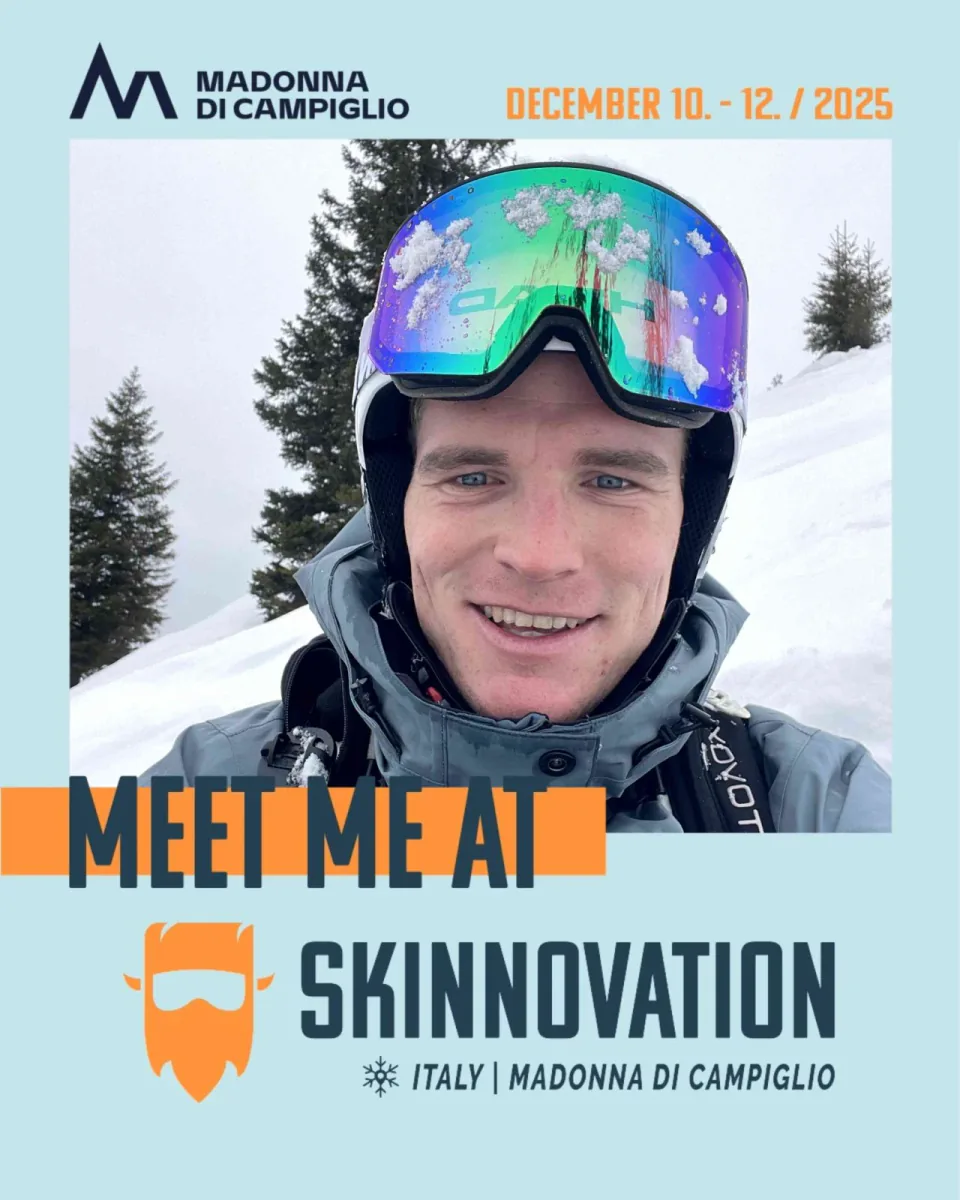
An event graphic with your photo says where you will be before anyone reads the caption. Organizers use Go Spread to give every attendee, speaker and sponsor their own version.
In a Go Spread campaign the captions live next to the graphic. Attendees open one link, add a photo, pick a caption and post. No account, no app.
LinkedIn caption generator FAQ
Related topics
Start with one personal sentence about why you are going, then give the event name, date and place, and end with an invitation to meet. Add the event hashtag and post it with your event graphic. The generator writes three versions in that order for you.
Name the talk, say in one line why it matters to the audience and add when and where it happens. A short personal reason (why you care about the topic) makes people stop. Pick "Speaker" in the generator for three ready drafts.
Tell people where to find you and why they should come by: booth number, what you will show and who from the team will be there. Choose "Sponsor" or "Exhibitor" in the generator to get captions with that structure.
You can, but you do not have to. When you post an event graphic, the graphic already says where you will be, so the caption can focus on why you are going. If you add a link, put it at the end.
Use the official event hashtag if there is one, plus one or two that describe the topic. The generator turns what you type into a clean hashtag, for example “your conf” becomes #YourConf.
No. It fills your details into a library of captions we wrote by hand for attendees, speakers, sponsors, exhibitors and organizer teams. Nothing you type is sent anywhere.
Yes, and you should. Copy the version you like best and change a sentence in LinkedIn before you post; one line in your own words makes the whole post sound like you.
Yes. In a Go Spread campaign the organizer adds suggested captions to each graphic. Attendees copy one or post straight to LinkedIn together with their personal graphic.
Create one branded campaign with graphics and suggested captions. Attendees personalize, copy and post. Free to start.