Sponsor Social Media Kit
The sponsor social media kit that gets posted.
Give every sponsor co-branded LinkedIn graphics for their team and network: their logo, your event design, a prepared caption. You see views and downloads per graphic and can show sponsors the reach in your recap.
- EU-hosted
- GDPR compliant
- Setup in minutes
- Impressions from 100 posts
- 250K+
- Impressions from 100 posts
- Open-to-download rate
- 40–60%
- Open-to-download rate
- Employee posts vs. company pages
- 8×
- Employee posts vs. company pages
- Needed by sponsor teams
- No account
- Needed by sponsor teams
Trusted by 300+ events and partners
Some of our 300+ events & partners


'%20stroke-width='15.5409'%20stroke-linecap='round'%20stroke-linejoin='round'/%3e%3cdefs%3e%3clinearGradient%20id='paint0_linear_233_1105'%20x1='19.326'%20y1='141.57'%20x2='187.82'%20y2='108.144'%20gradientUnits='userSpaceOnUse'%3e%3cstop%20offset='0.0673077'%20stop-color='white'/%3e%3cstop%20offset='1'%20stop-color='%23A8A8A8'/%3e%3c/linearGradient%3e%3c/defs%3e%3c/svg%3e)












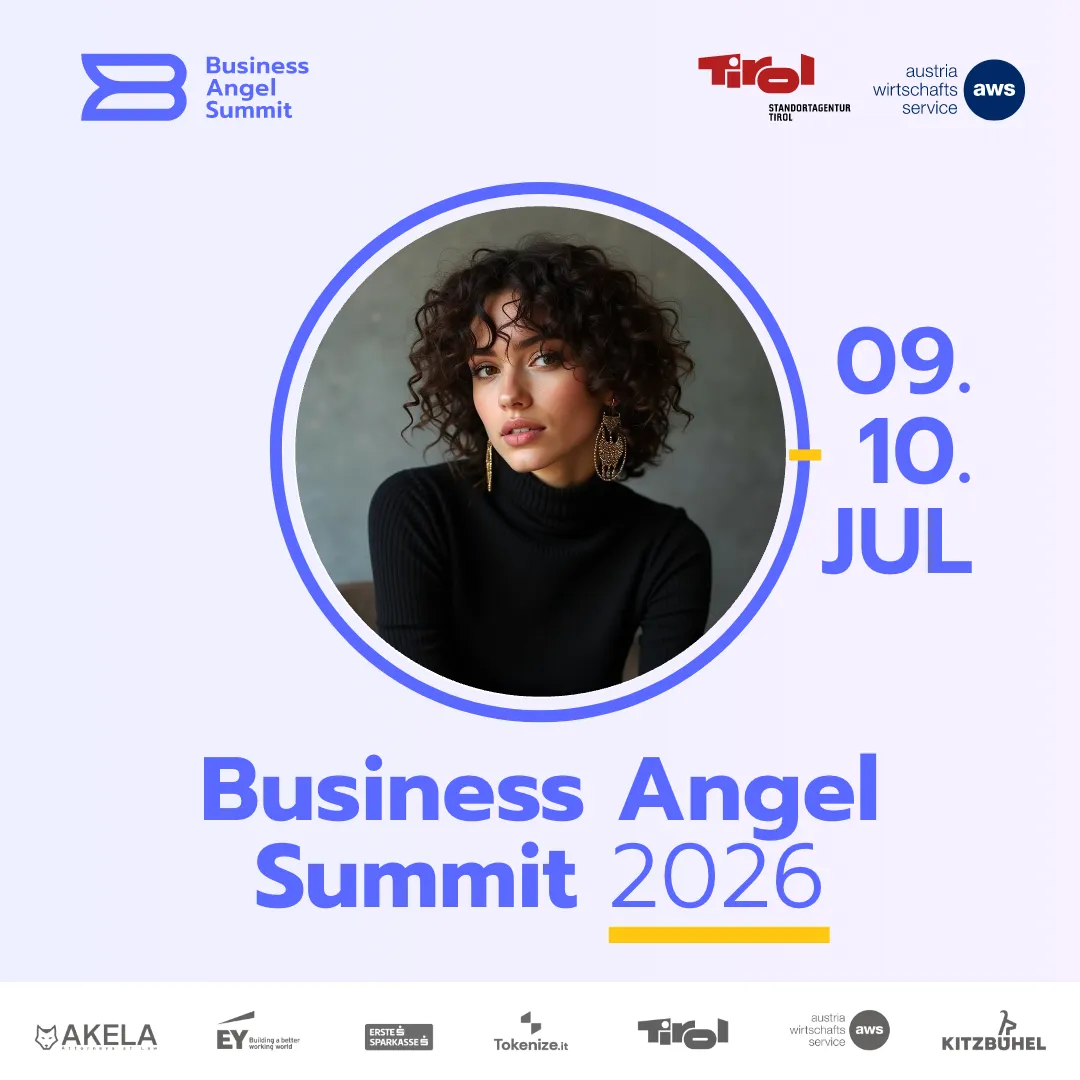
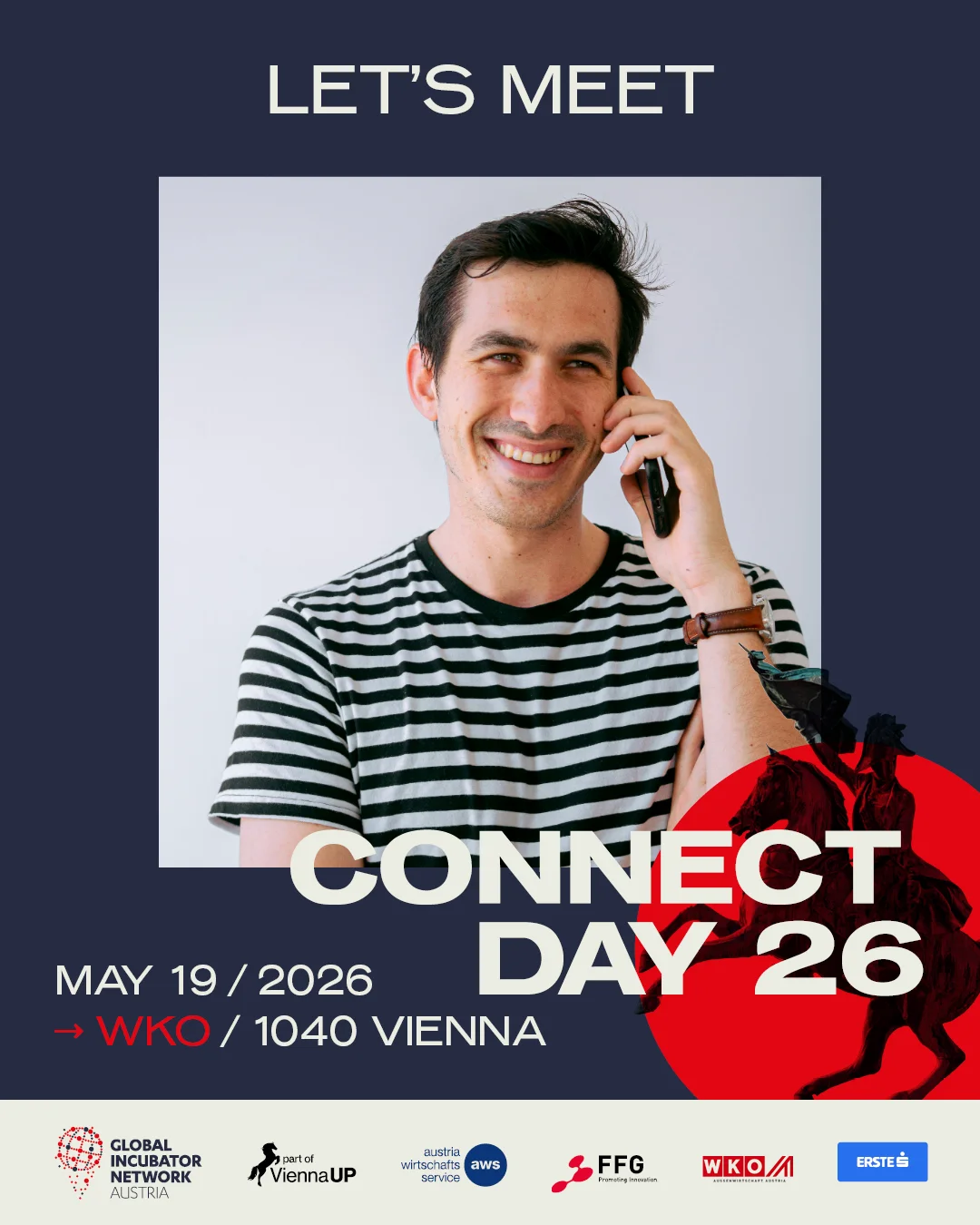
Co-branded graphics from real events
Real partners. On real event graphics.
Sponsor and partner logos sit inside the approved event layout. The person posting adds the photo.
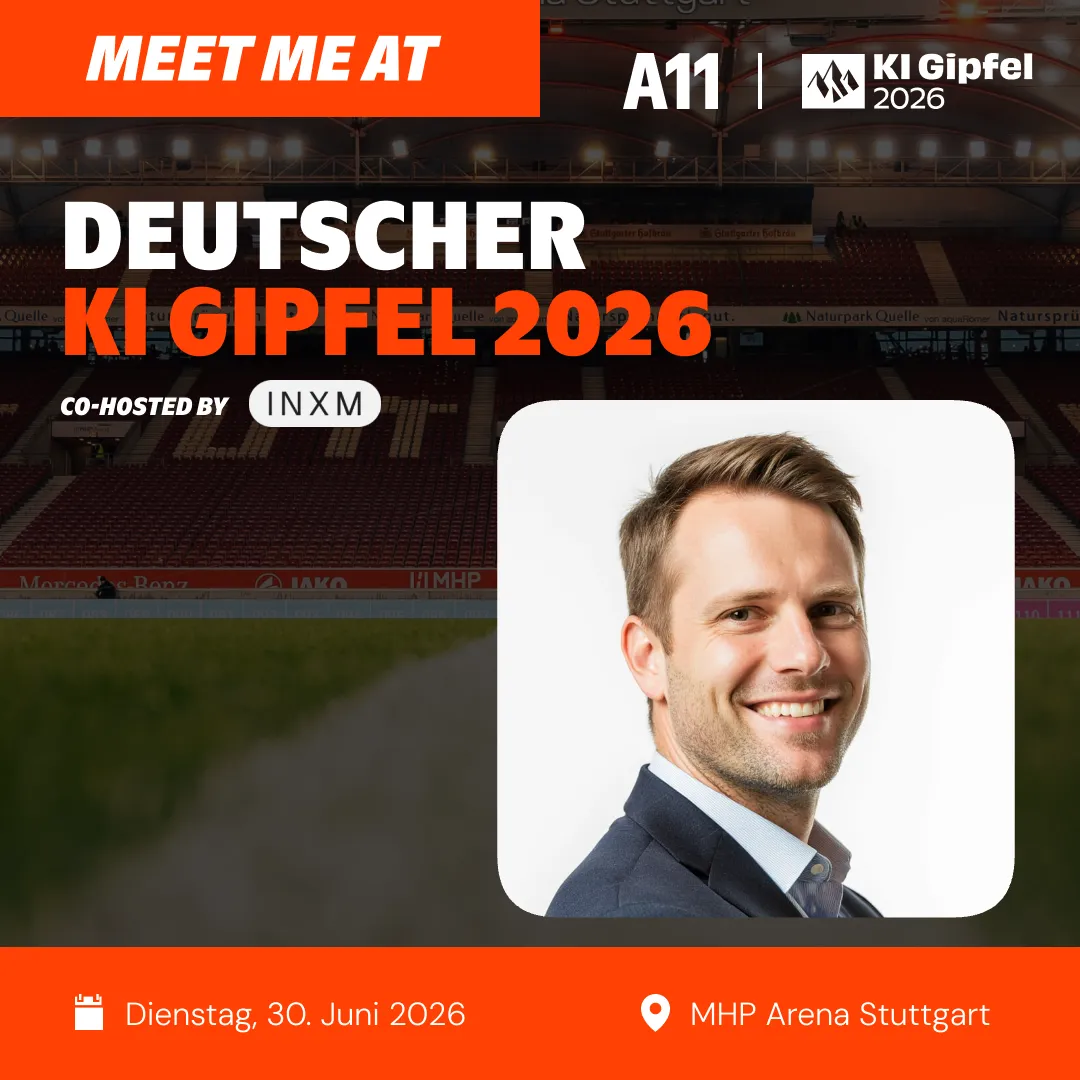

Why sponsor kits work
Logos alone do not travel. People posting them do.
Many sponsor packages end with a logo on the website and a banner on site. A social media kit only works when the sponsor's team can use it in minutes, without briefing their own designer.
The sponsor's team is the channel
Executives, account managers and the sponsor's community post a graphic with their own photo. According to LinkedIn research, employee posts outperform company pages 8×.
Co-branded, still your layout
Sponsor logos sit in the graphic you designed, or partners upload their logo into a Logo Spot. Your event branding stays locked.
Numbers for the recap
Views, downloads and conversion per graphic, plus estimated impressions for the campaign, give you something concrete to show each sponsor. For numbers per sponsor, give each sponsor its own graphic.
How it works
Three steps for you. One link for every sponsor team.
Design the sponsor graphics
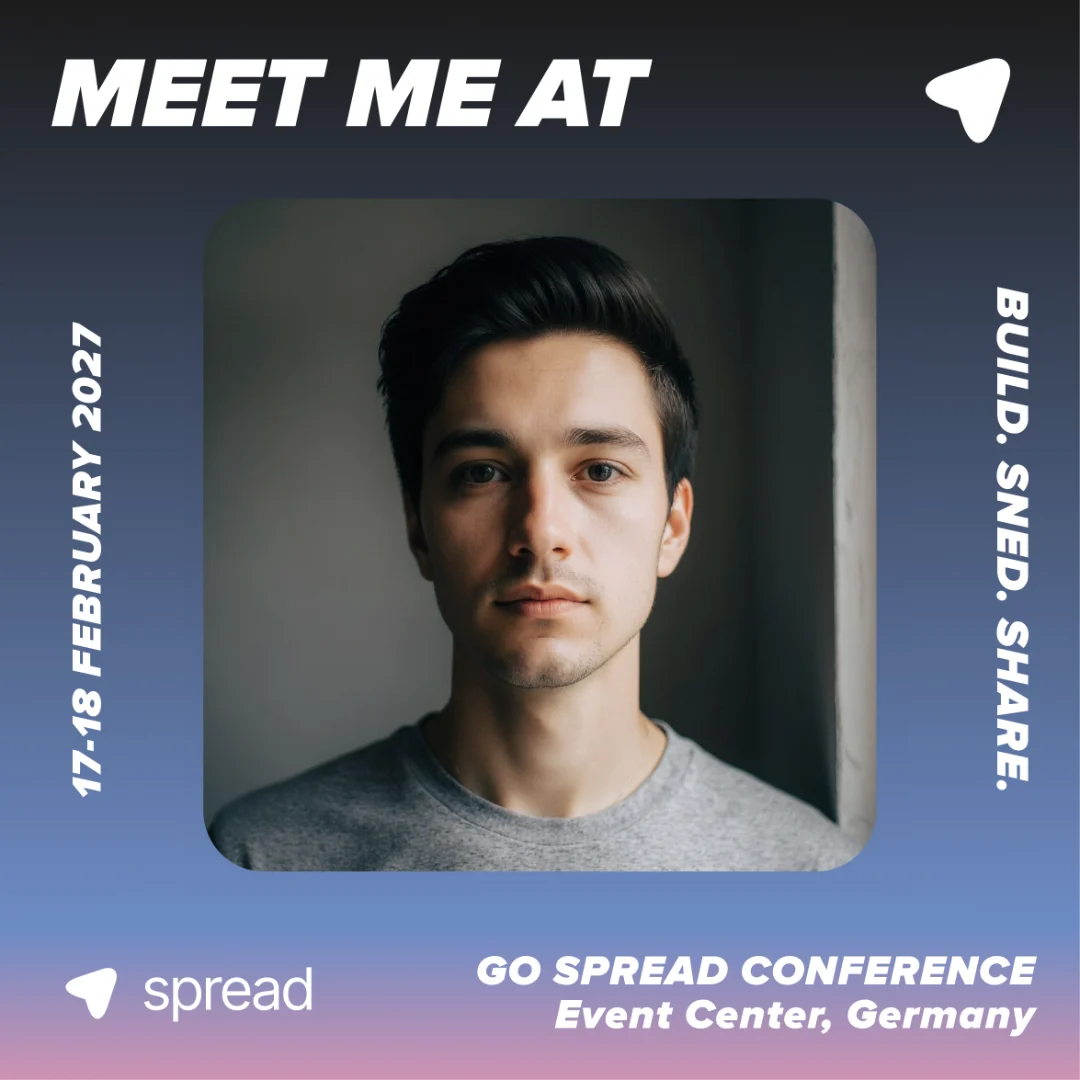
Create one graphic per sponsor with Add Another Graphic, or one partner graphic with a Logo Spot. Add a prepared caption to each.
LinkedIn Post Story 9:16 Landscape Send the link to your sponsors
Put it into the sponsor kit and onboarding email. Sponsors forward it to their team and network, no account needed.
You're in! Show your network you're comingGo Spread Conference · Registration confirmedCreate your Meet Me graphicgo-spread.com/spread-conferenceNewsletterSlackWhatsAppWebsiteSponsor teams post
They add a photo and post to LinkedIn with the prepared caption, or download the PNG. You follow the downloads per graphic.
Features
Co-branded by design. Measured per graphic.
Performance per graphic
Views, downloads and conversion for each sponsor graphic, side by side with the attendee and speaker graphics.
A graphic for every sponsor
Add Another Graphic gives each sponsor its own artwork and captions in one campaign. Paid plans include unlimited graphics.
Logo Spot for partners
One partner graphic for many sponsors: each partner uploads its logo into the spot you placed. Analytics count per graphic, so a shared graphic has no split by sponsor.
Prepared captions
Captions with the sponsor's name, your hashtag and the event link, copied or posted to LinkedIn in one click.
 Ready to postLinkedIn connected
Excited to attend #TechSummit2026! Looking forward to connecting with...
The math
What 100 posts do. Organic reach, zero ad spend.
Every co-branded post carries the sponsor's logo into a network that trusts the person posting. 40 to 60 percent of people who open a Go Spread link download the graphic.
Use cases
Sponsor activation. Before, during and after the event.
- Sponsor packages
A social deliverable for every tier
Add co-branded LinkedIn graphics to your sponsor tiers as a concrete social media deliverable, with usage numbers to show for it.
- Co-branded graphics
- Prepared captions
- Per-graphic numbers
- Sponsor teams
Proud sponsor posts
Executives and account teams announce the partnership with their own face and the sponsor logo in your event design.
- Personal photo
- Sponsor logo
- Direct LinkedIn posting
- Exhibiting sponsors
Meet us at the booth
Sponsors with a stand add the booth number through a text field, next to their logo. See meet me at booth graphics.
- Booth number field
- Logo Spot
- Team invitations
- Sponsor recap
Numbers for the renewal talk
Give each sponsor its own graphic, then show them its views and downloads and the impression estimate based on them. Estimates use your own settings, they are not LinkedIn data.
- Views
- Downloads
- Estimated impressions
Testimonials
Organizers on Go Spread. In their own words.
“Go Spread has been a game-changer for the FUTURE LEADER SUMMIT. The 'Meet Me At' graphics we provided to attendees led to more than 1,000 tags and over 3 million impressions on LinkedIn in just a few days, massively increasing our reach on the platform. After this experience, Go Spread will be a core part of our event marketing strategy in the future.”
 Konrad GrunerCFO, ChefTreff250K+impressions in 1.5 weeks
“Our attendees turned LinkedIn red in just 1.5 weeks. We hit over 250,000+ impressions. For a newcomer event, that visibility was a game-changer.”
André WollinFounder, M01N STARTUP CAMPDay 1community launch“We launched Operator Circle with a large LinkedIn flashmob powered by Go Spread. The exposure on our new channel was massive and set the tone for our community from day one.”
 Enzo WälchliGeneral Partner, Operator CircleOrganicreach, every edition
“Visibility on social media is central for us at Wirtschaftsforum Obersee. With the Meet Me At graphics, we create remarkable organic reach.”
 Fabian VilligerOrganizer, WIFO$0ad spend, full house
“With tight event budgets, organic reach isn't a nice-to-have, it's essential. Go Spread helped us mobilize speakers, partners and attendees effortlessly. The reach before SKInnovation even started was something we could never have achieved with paid ads alone.”
 Kathrin TreutingerFounder & MD, SKInnovation
Keep exploring
More on sponsor activation
Guides to sponsor activation, executive posts and the reach behind participant sharing.
- Sponsor activation at events with branded graphicsMove sponsors from a logo on a banner to real LinkedIn posts by the people behind the brand.
- Speaker visuals for events: let speakers post on LinkedInThe same mechanic for speakers and executives: personal, on-brand and easy to post.
- How 100 shares generate 250,000 LinkedIn impressionsThe math behind participant posts, and why it matters for sponsor visibility.
Sponsor social media kit FAQ
Questions. Answered.
Related topics
- Sponsor Social Media Kit
- Sponsor Graphics
- Sponsor Activation
- Co-branded Event Graphics
- Sponsor LinkedIn Post
- Proud Sponsor Graphic
- Sponsor Toolkit
- Sponsorship Deliverables
- Sponsor Recap
- Partner Social Media Kit
- Event Sponsor Marketing
- Sponsor Visibility
It is a set of ready-to-post assets a sponsor's team can share about the partnership. With Go Spread the kit is a campaign link: each person adds a photo to a co-branded graphic and posts it on LinkedIn with a prepared caption.
Two ways. Put the sponsor logo into the artwork of a sponsor graphic, or turn on Logo Spot so each partner uploads its own logo, as a circle or rectangle, in the spot you placed.
Yes. Add Another Graphic puts several graphics in one campaign, each with its own design and captions. Paid plans have unlimited campaigns and graphics, so you can also run one campaign per sponsor.
The campaign analytics show views, downloads and conversion per graphic, and estimated impressions for the campaign, calculated from downloads with your own impression settings. Go Spread does not pull real LinkedIn likes or impressions and has no CSV or PDF export, so you share the numbers in your own sponsor recap.
No. Go Spread does not attribute registrations, ticket sales or leads to individual posts, and it has no referral leaderboards. It shows how much each graphic is opened and used.
No. Sponsors and their teams open the link, add a photo and post or download. Only the organizer manages the campaign.
Yes. Set a sharing end date on the campaign. Afterwards the link shows an expired notice and no more graphics can be downloaded.
Yes. With the White Label add-on every campaign runs on your own subdomain, with your logo instead of Go Spread branding in the footer.
Give sponsors a kit their team will post
Co-branded graphics, prepared captions and numbers per graphic. Free to start.