Face first, and big.
People recognize a face in the feed before they read a word. Crop close, use a recent headshot and let the zoom slider do the rest. A tiny photo in a big frame looks like an ad.
Free tool
Make a speaker announcement graphic for LinkedIn: add a photo, the speaker's name and talk and, if you like, the event logo. Pick one of three designs and your brand color, then download the PNG. No login, and nothing leaves your browser.
Speaker photo
JPG, PNG or WebP. Your photo stays on your device and is never uploaded.
Event logo (optional)
A PNG or SVG with a transparent background looks best. It also stays on your device.
Layout
Frame: a poster frame. Badge: a conference badge on a lanyard. Spotlight: a big headline on a dark stage.
Format
Brand color
Pick a swatch or enter your own hex code. The text color switches to the more readable option.
Text color
Made in your browser. Photo and logo never leave your device.
1080 × 1080 px PNG with a small “Made with Go Spread” line in the corner.
How it works
Upload a headshot or drop it onto the photo field. Use the zoom slider to frame the face.
Name, role and company, talk title, event, date and location. Only the name is required.
Pick Frame, Badge or Spotlight, a format and your color, download the PNG and share it on LinkedIn with a short personal caption.
From real events
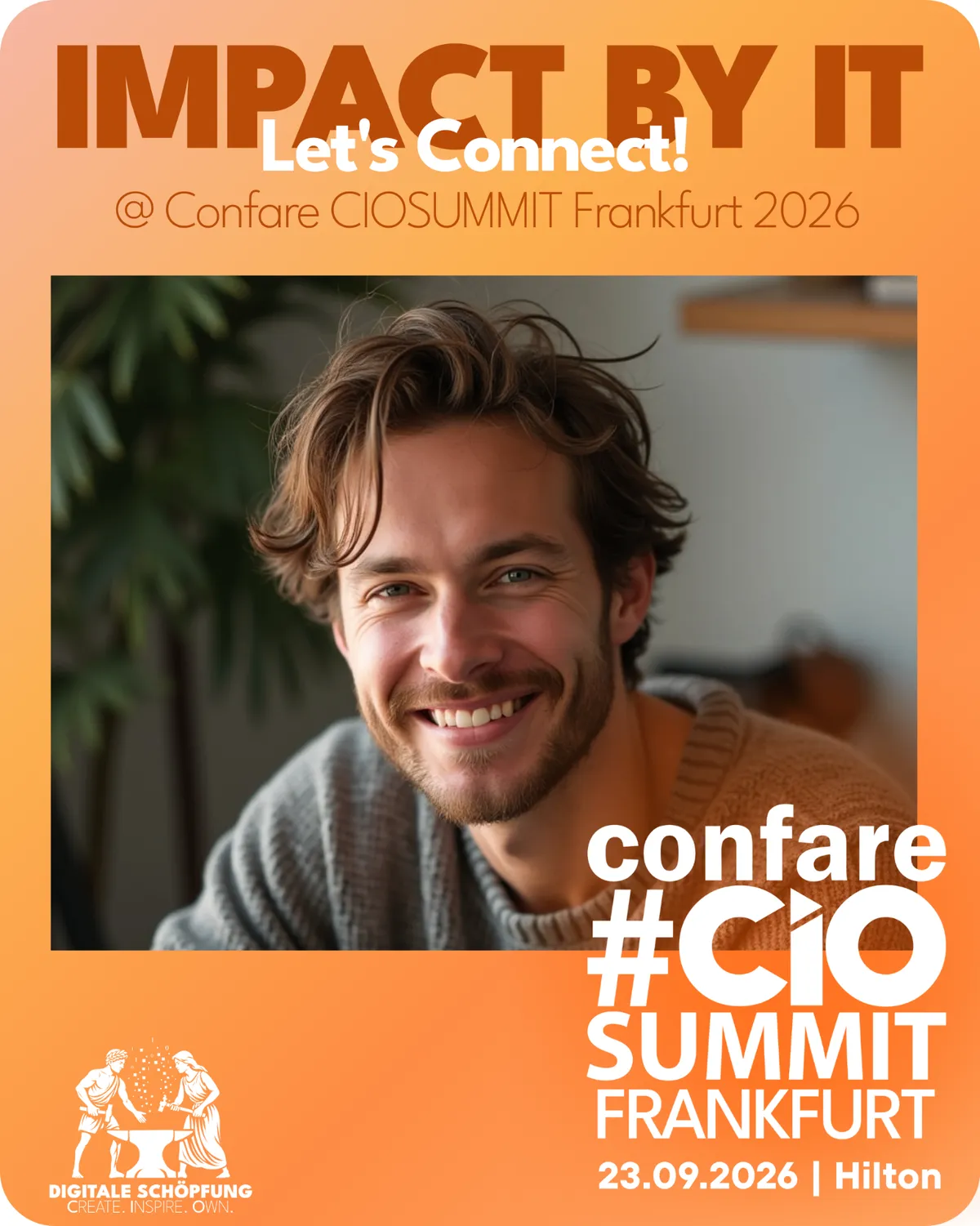
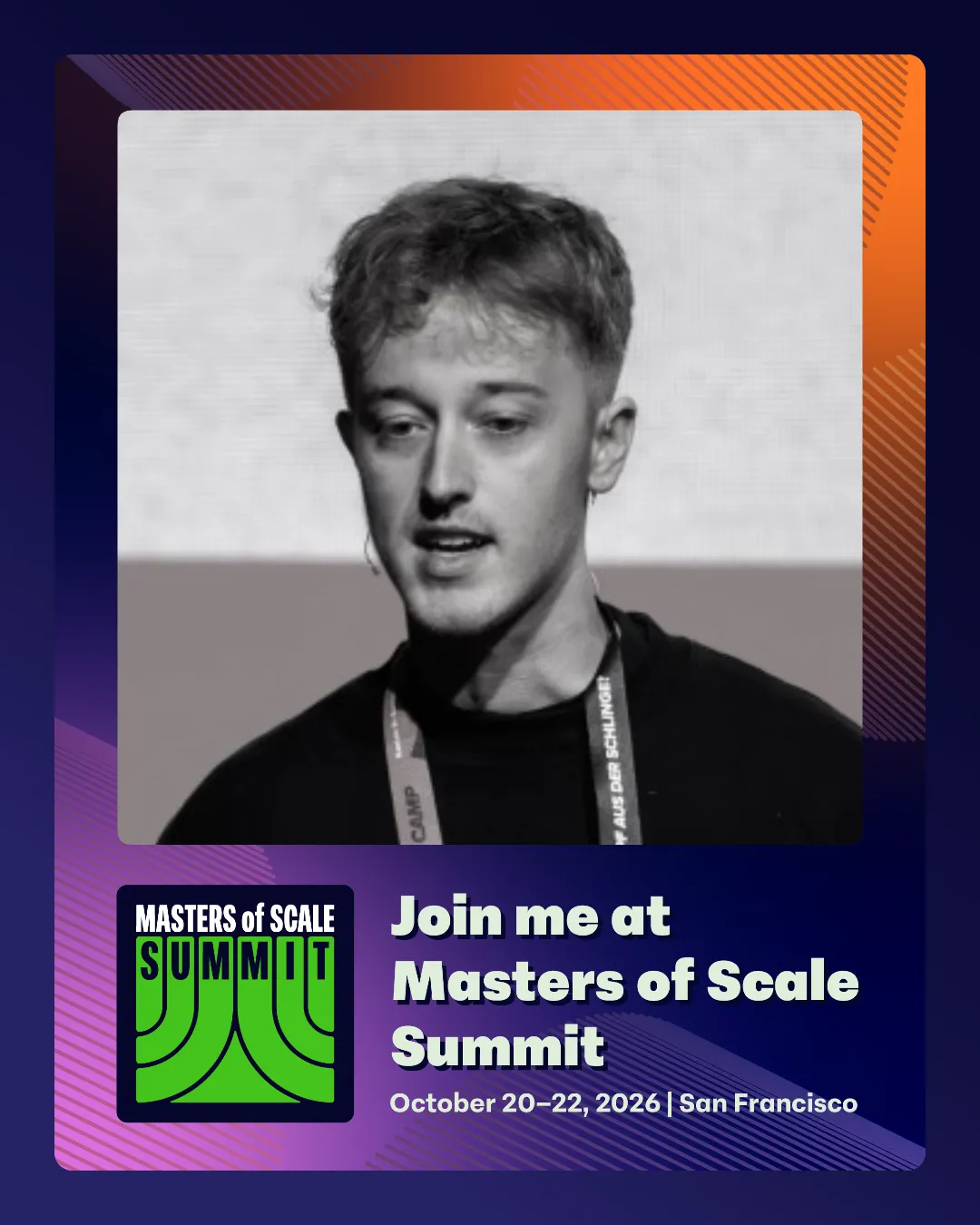
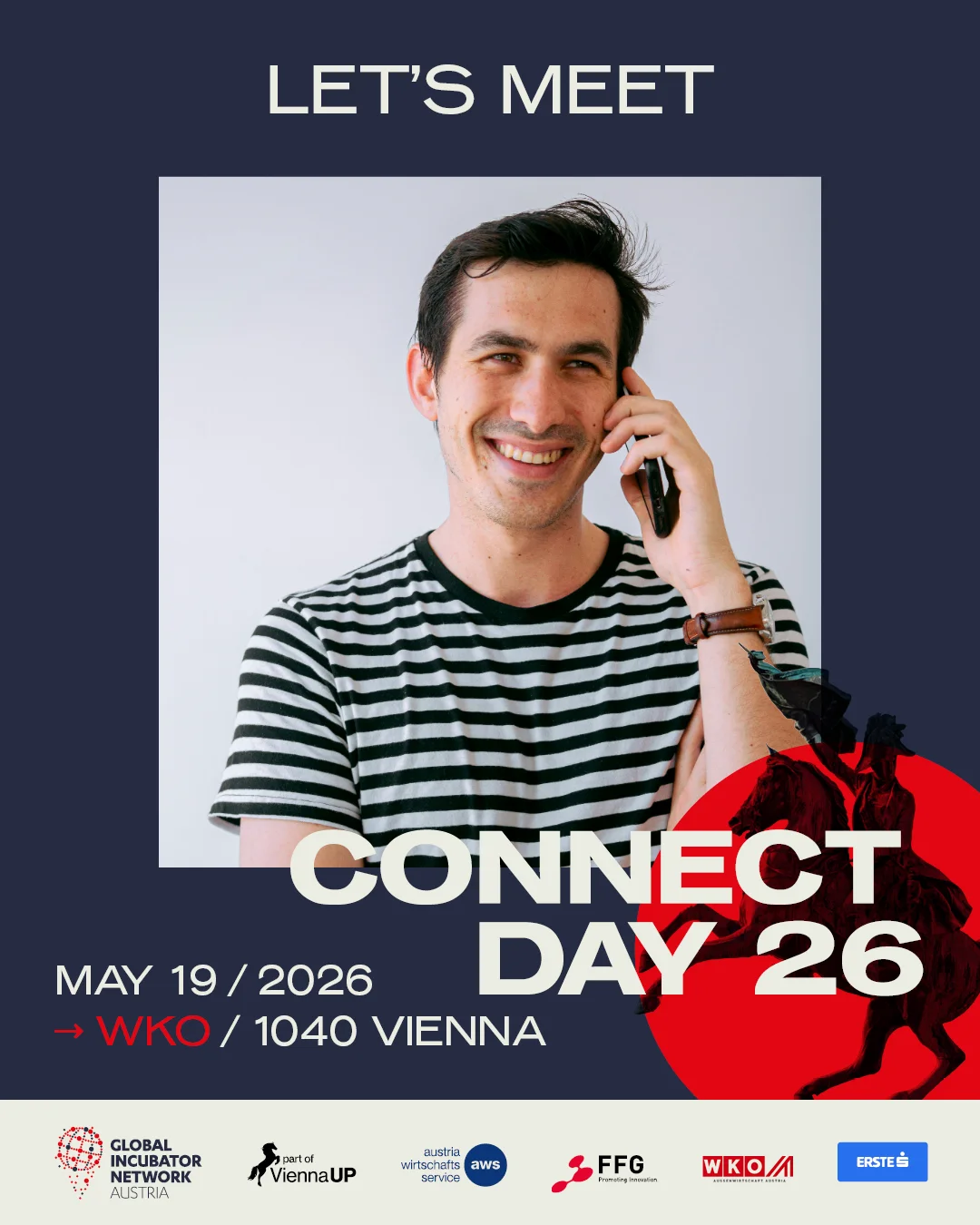
A few campaigns organizers ran with Go Spread. The free generator gives you three ready designs; a campaign lets you use artwork like this.
What makes a card work
People recognize a face in the feed before they read a word. Crop close, use a recent headshot and let the zoom slider do the rest. A tiny photo in a big frame looks like an ad.
Check long and double names before you send cards out. If it does not fit on one line, two clean lines beat a tiny font.
If the official title is a full sentence, put a short version on the card and the full title in the caption.
Same layout, same color, every speaker. After the third card, people recognize your event without reading it.
Your event page reaches your followers. The speaker's own post reaches theirs, and that is usually the audience you were missing.
Why speaker posts matter
For a whole lineup
This free tool makes one card at a time. With a Go Spread campaign you upload your own design once, share one link, and every speaker adds their photo and session and posts it straight to LinkedIn. The same campaign covers attendees, exhibitors, sponsors and your team. You set the design, Go Spread delivers the graphic.
Upload your event artwork (a PNG from Canva or Figma works) or build it in the Design Builder. Fonts, colors and logos stay exactly as you set them.
With the White Label add-on, campaigns run on your own subdomain with your logo instead of Go Spread branding.
Separate graphics for speakers, attendees, exhibitors, sponsors and your team in one campaign. Everyone picks theirs from the same link.
People post the graphic straight to their LinkedIn profile with a caption you prepared, or download the PNG.
Views, downloads, direct LinkedIn posts, performance per graphic and estimated impressions for the whole campaign.
Add suggested captions per graphic with your hashtag and link. Speakers copy one or edit it before they post.
Speaker card generator FAQ
Related topics
Upload the speaker's headshot, add their name, role, talk title and the event details, pick a design and download the PNG. Everything happens in your browser without an account, and the speaker posts the PNG as a normal image post on LinkedIn.
Yes, it is free and needs no account. You can make and download as many speaker cards as you like. Each PNG carries a small “Made with Go Spread” line in the corner.
No. The card is drawn on a canvas in your browser, so the photo and the logo are read from your device and never sent to a server. Close the page and they are gone.
Use square (1080 × 1080 px) or portrait (1080 × 1350 px); the generator exports both. Portrait takes up a little more room on a phone screen, square is the safe choice if the card is also used on other networks.
Frame suits most events: a poster frame in your brand color with the event across the top. Badge looks like a conference badge on a lanyard and feels more playful. Spotlight puts "Speaker" in huge type on a dark stage with your color as the glow, which stands out in a light feed.
Yes. Upload the logo as a PNG or SVG, ideally with a transparent background, and it is placed in the design: at the top in Frame and Spotlight, in the badge footer in Badge. Fonts and artwork are fixed in the free tool.
Use a Go Spread campaign instead of making every card yourself. You upload your own design once and share one link; each speaker adds their photo and session and posts it to LinkedIn. Go Spread does not import speaker lists in bulk.
One personal line about why the talk matters, then the event name, date and hashtag. The free LinkedIn caption generator writes three versions for speakers that they can edit before posting.
Design once, share one link, and let every speaker post their own branded card. Free to start.