Design Editor
Design your event graphics right in Go Spread.
The Canva alternative for event graphics. Pick who the graphic is for, add your event details and choose an animated, gradient or image background. Your attendees add their photo and post it on LinkedIn.
- 17 templates
- Animated GIF backgrounds
- Free to start
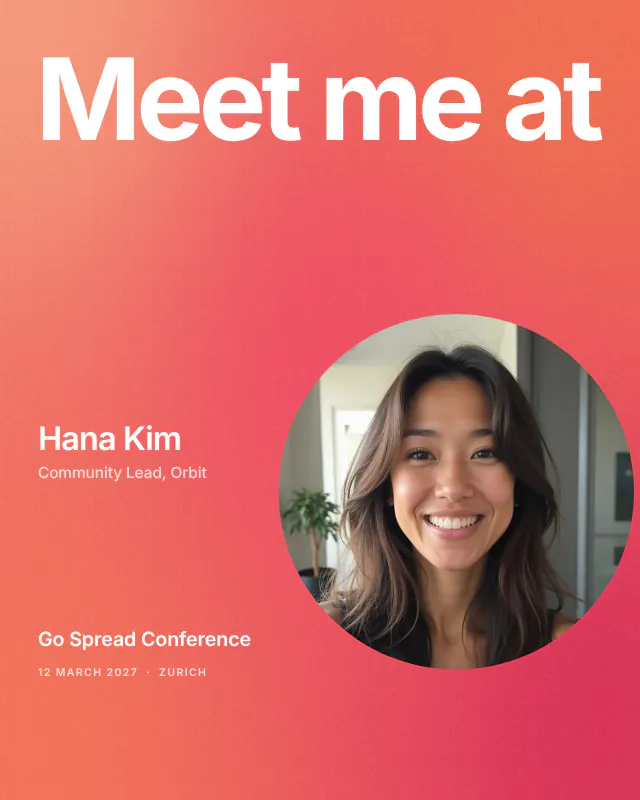
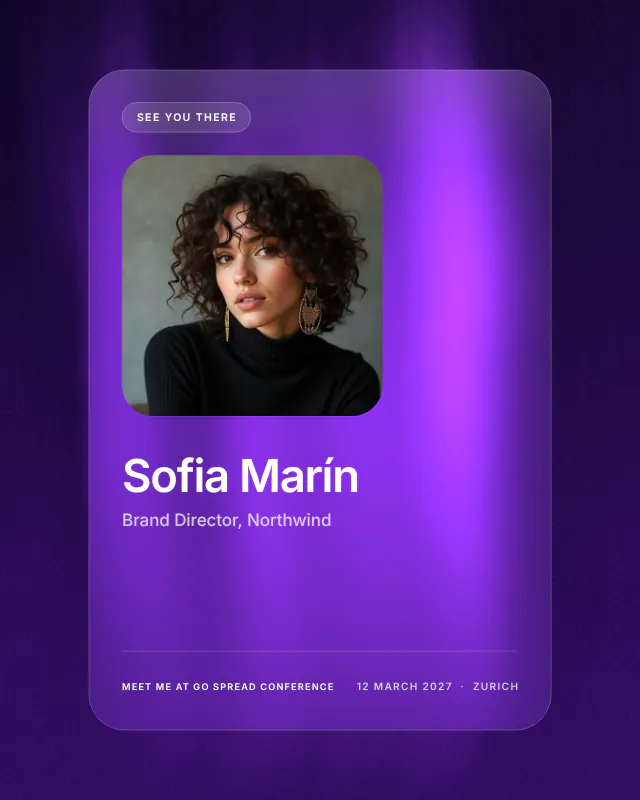
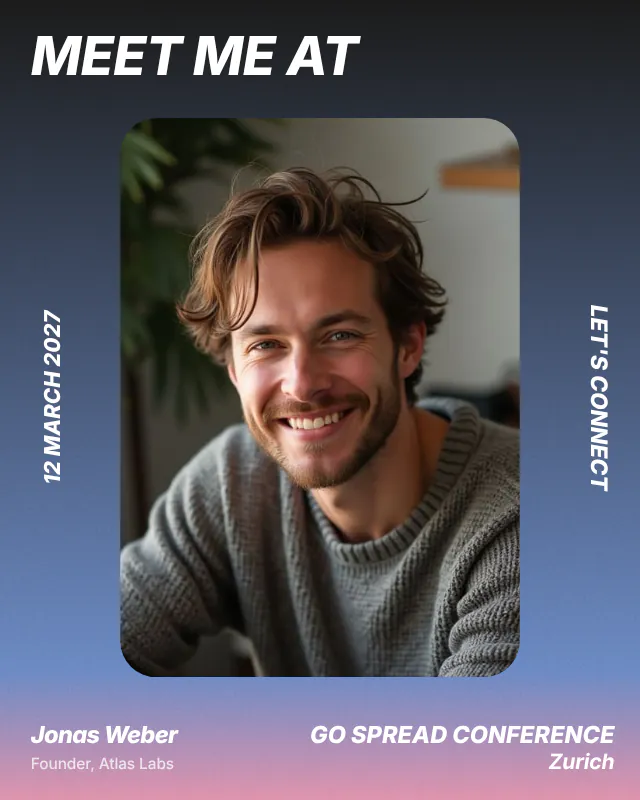
Design Editor tour
Create your Meet Me Create your event graphics.
Template, texts, animations background, and more.
- Square 1080 × 1080 or LinkedIn portrait 1080 × 1350
- Download a PNG, or a GIF when the background moves
- Create campaign opens with the photo area already in place
How it works
Pick your audience. Add your event. Your graphic is ready.
Choose who it is for
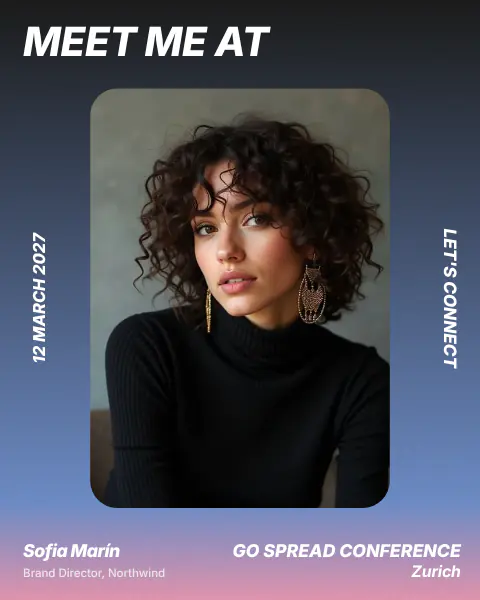
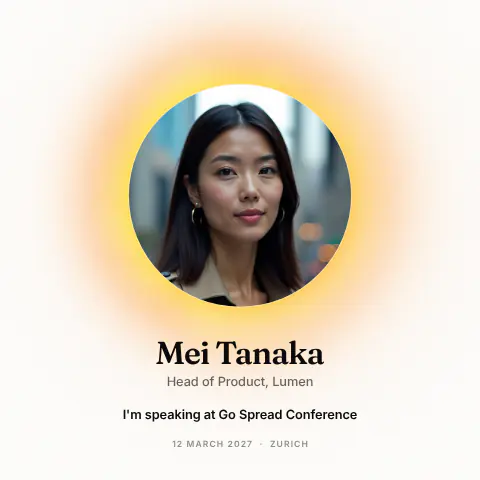
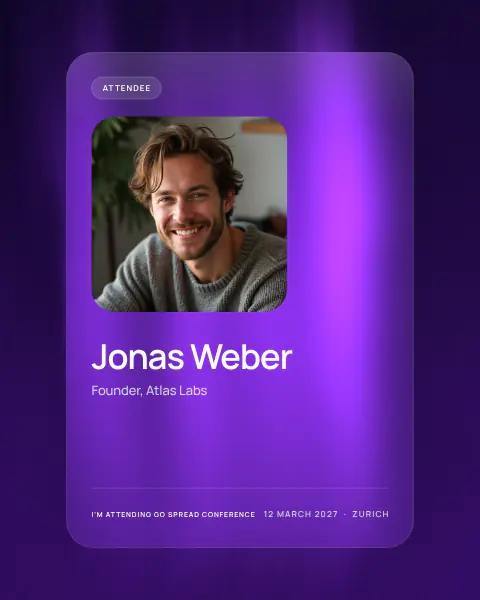
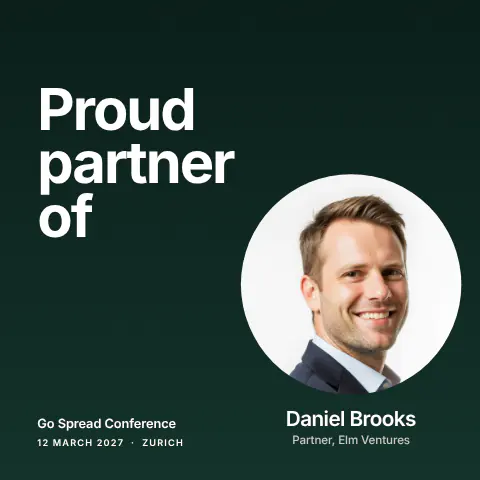
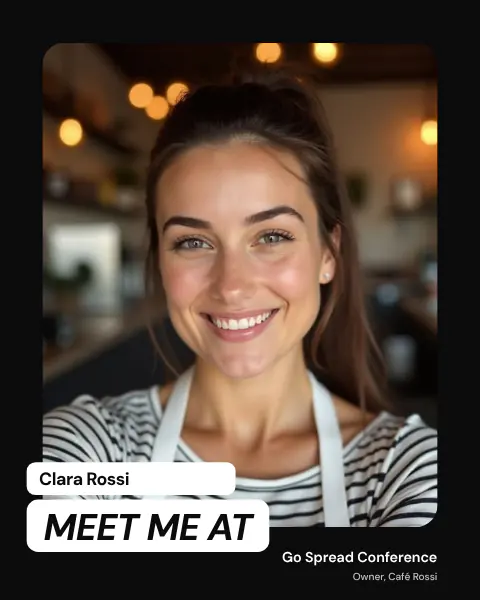
Meet me at, Speaker, Attendee, Partner or Visit us. The headline and the small label follow, the texts you typed yourself stay.
Add your event details
Event name, date, location, a slogan and your logo. You type them once, every graphic of the design uses them.
Pick a template and background
17 templates in square and portrait, then an animated, gradient, color or image background. Create the campaign and share one link.
LinkedIn post templates for every audience
Design like in Canva. A graphic for every audience.
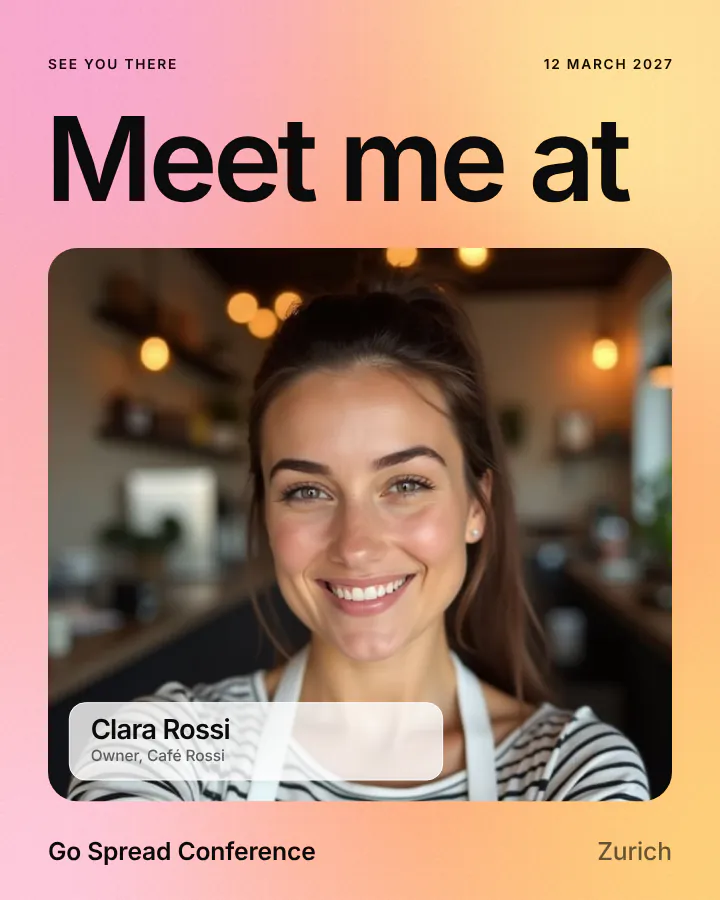
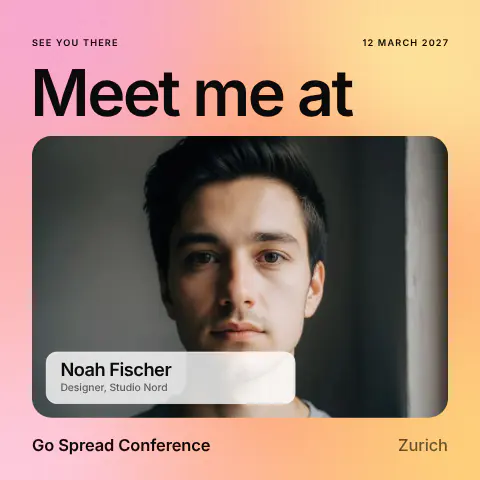
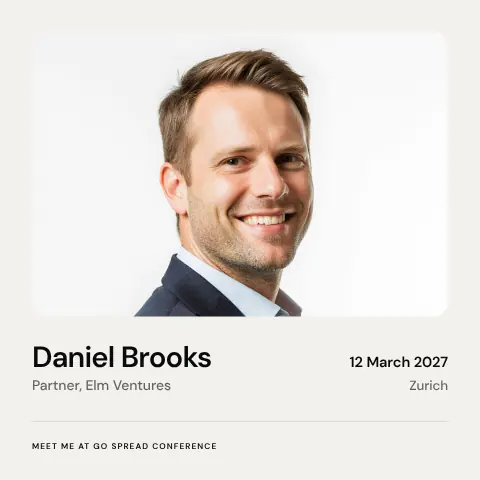
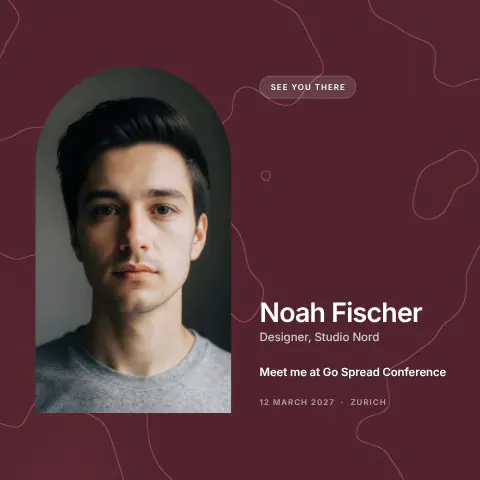
- Headline Meet me at, label See you there
- Name and job title right on the graphic
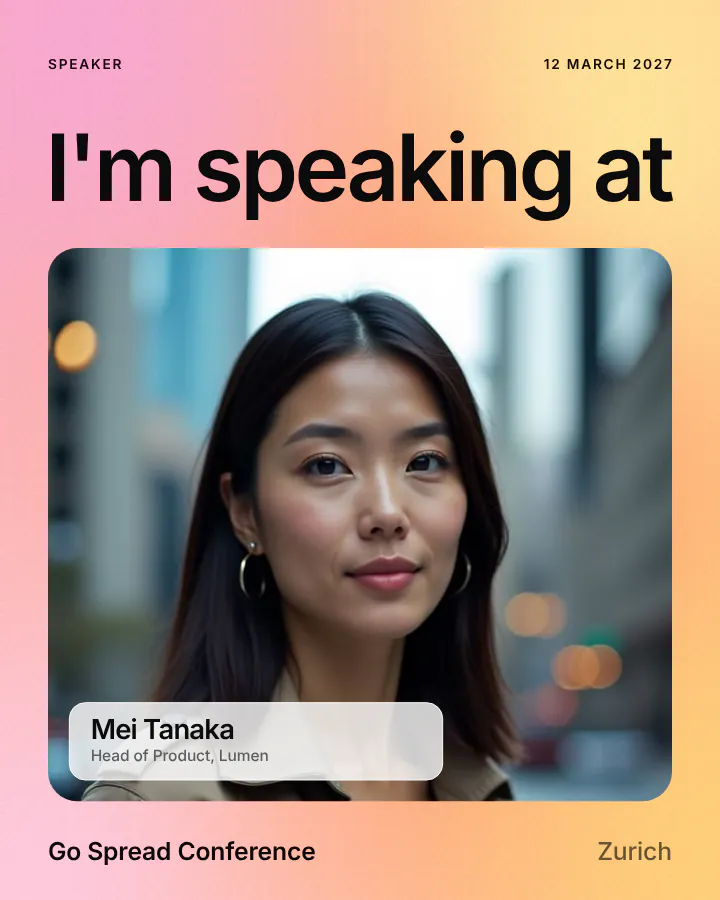
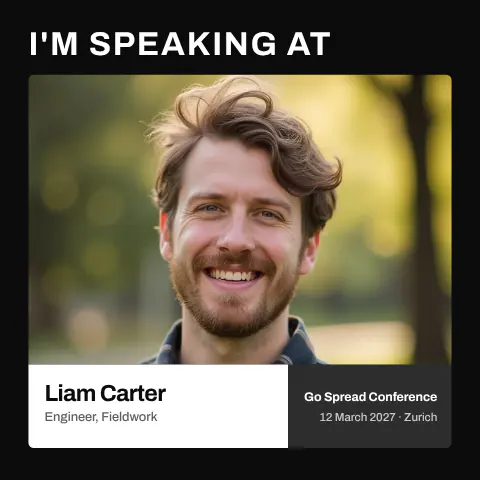
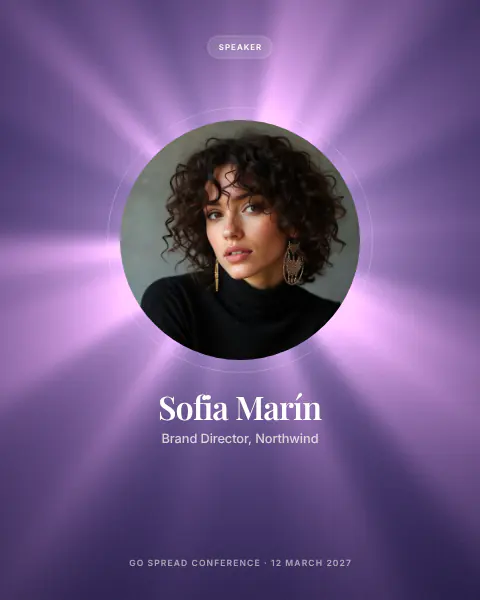
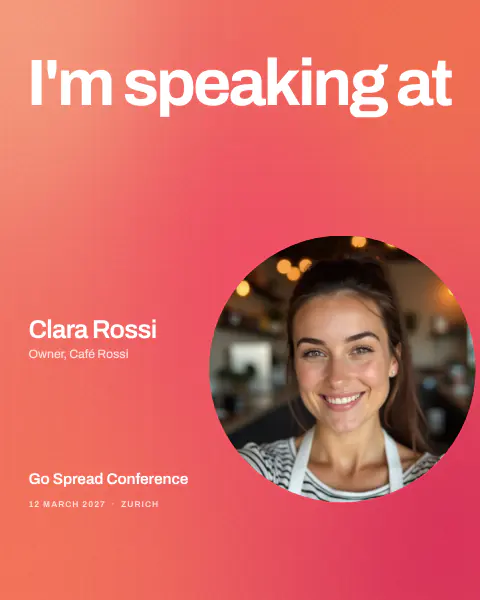
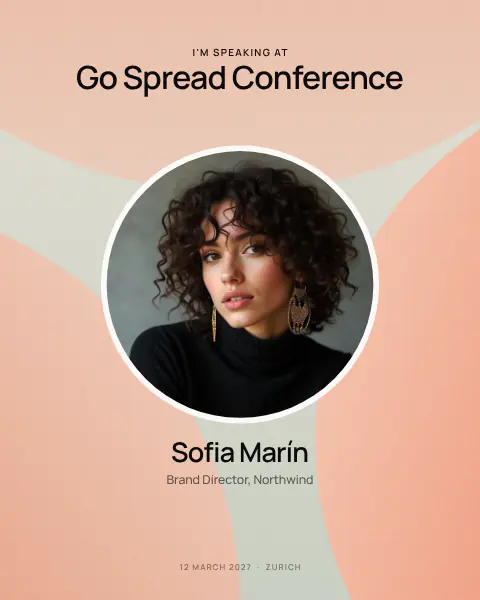
- Headline I'm speaking at, label Speaker
- Add a graphic per audience in the same design
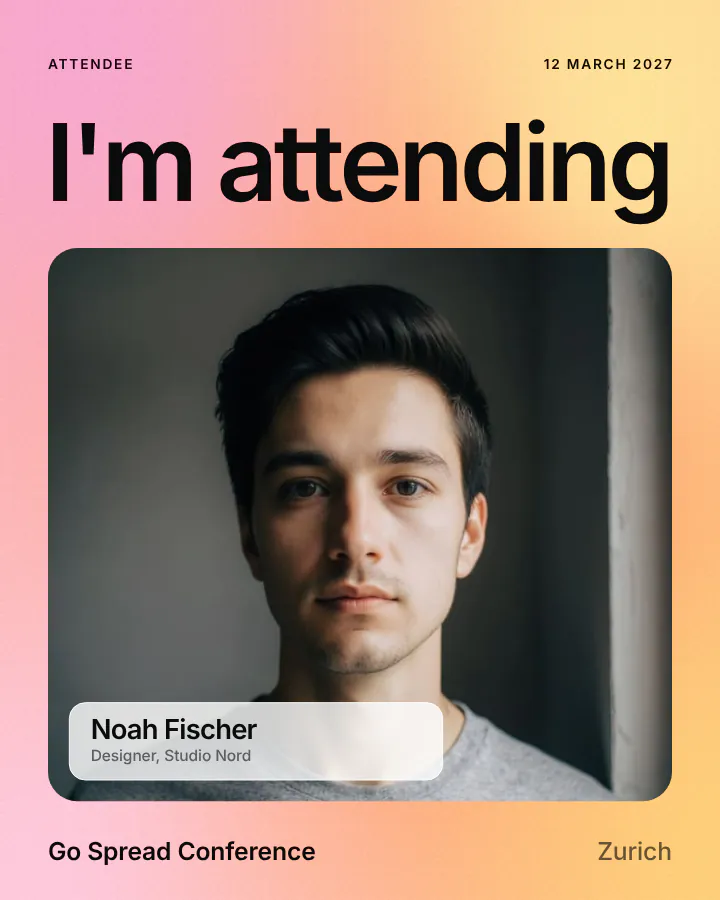
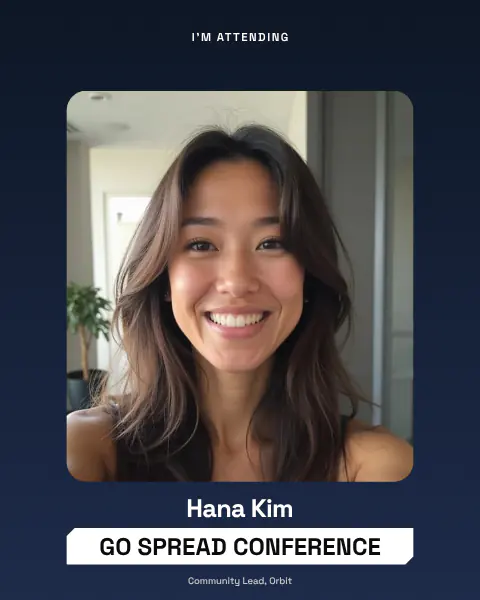
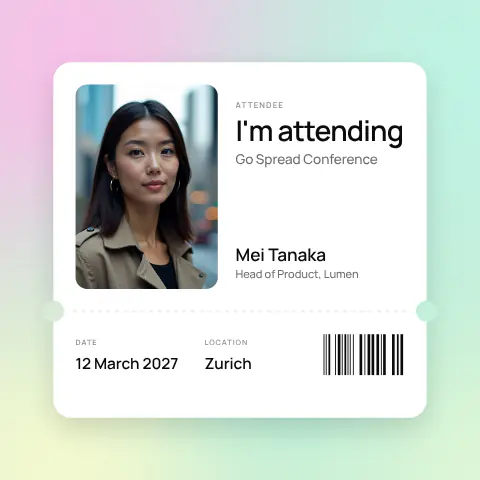
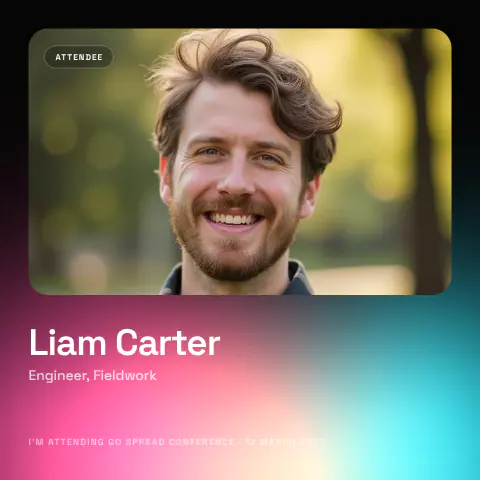
- Headline I'm attending, label Attendee
- Attendees add their own photo on your campaign page
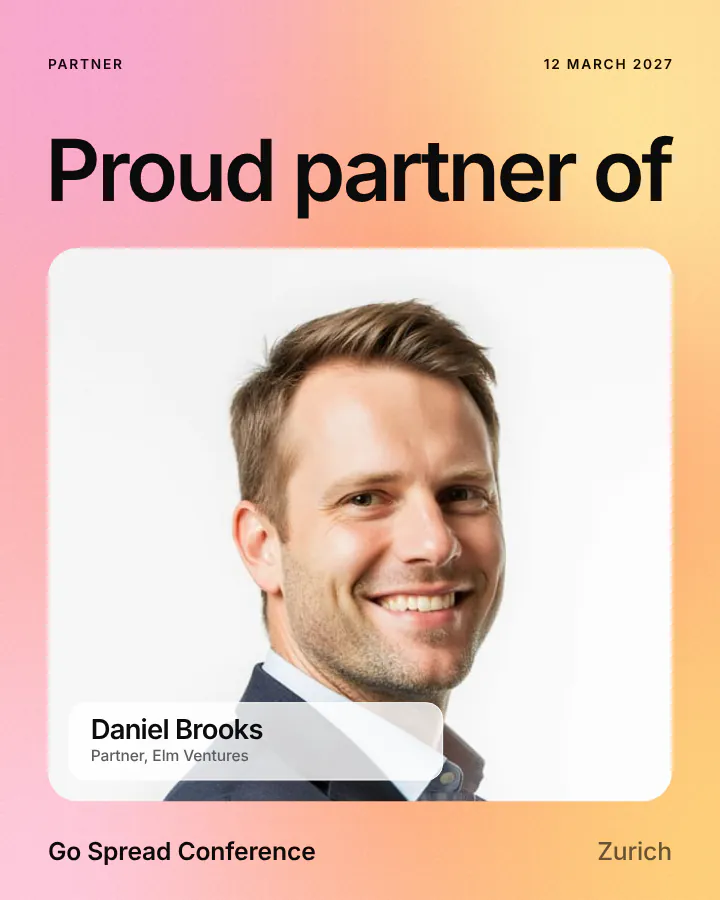
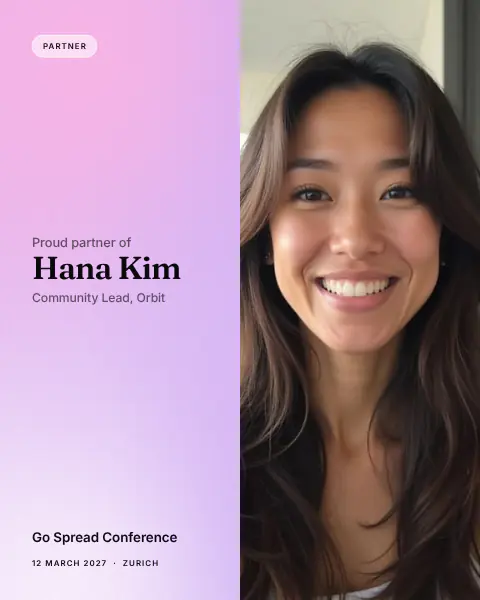
- Headline Proud partner of, label Partner
- Your event branding on every sponsor post
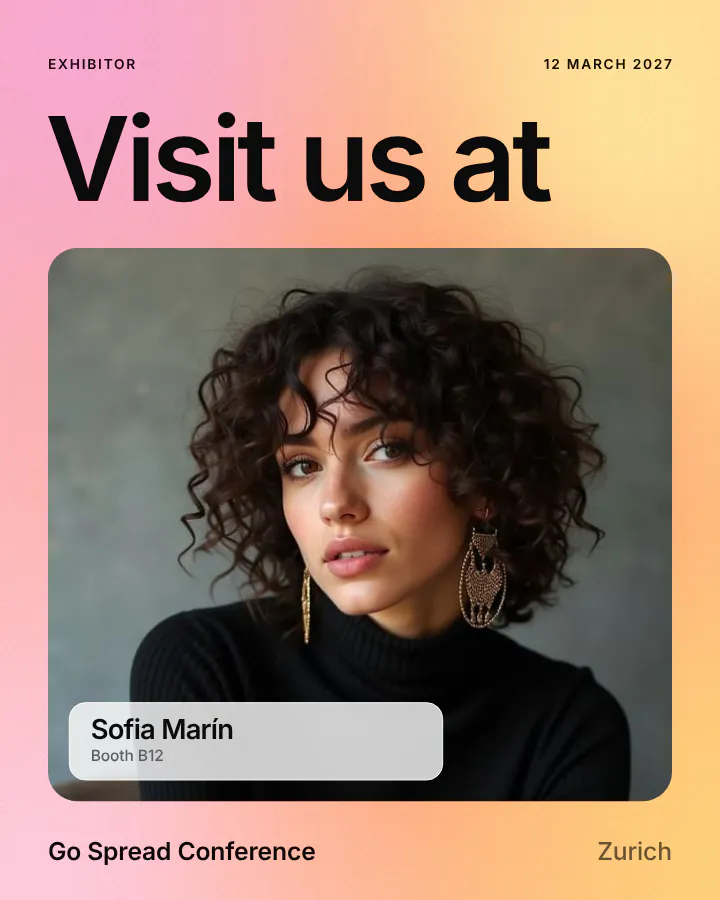
- Headline Visit us at, label Exhibitor
- Booth number as an attendee field
Animated, gradient and image backgrounds
Animated, gradient or your own image.
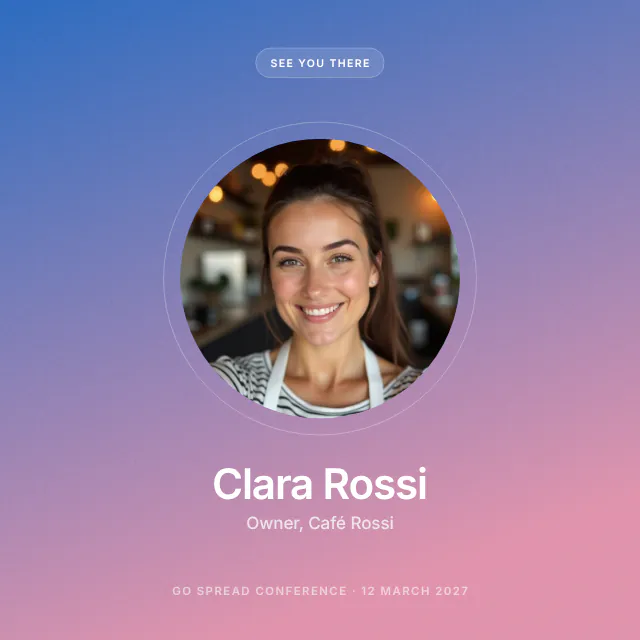
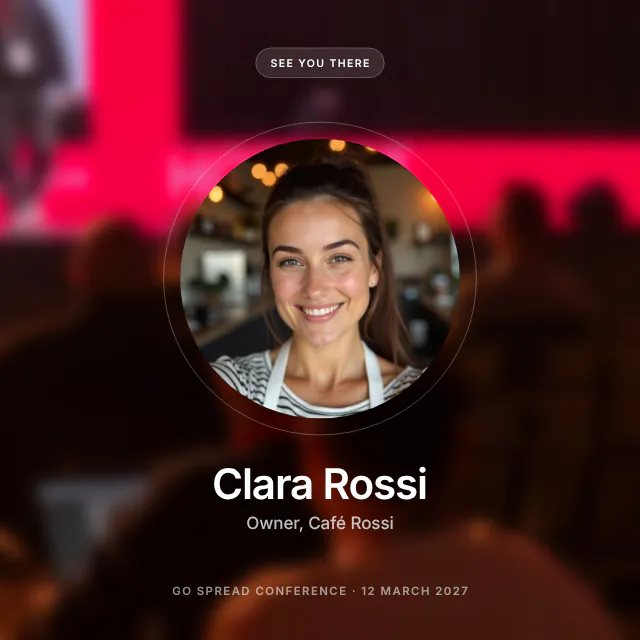
The same template with three backgrounds. Pick one per graphic; it stays when you switch templates.
Animated
Moving backgrounds export as a looping GIF that plays in the LinkedIn feed. Pause it anywhere for the still image.
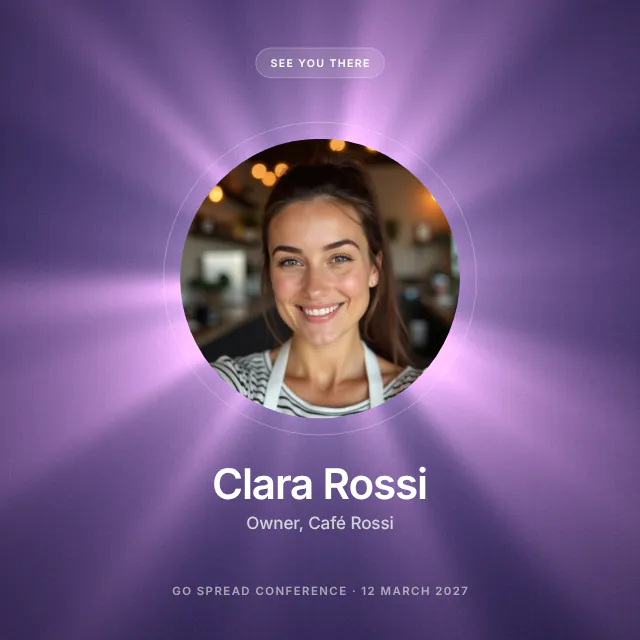
Gradient
Ready-made gradients or two colors of your own, plus solid colors from swatches or any hex code.
Your own image
Your key visual or a photo from last year's event fills the graphic; the photo area and texts sit on top.
Event graphic templates
Core templates to start with. Square and portrait, made for LinkedIn.
Fixed layouts you only fill in, so nothing has to be placed by hand. Every text has a maximum length and shrinks a little instead of breaking.

Your event page
- Event nameGo Spread Conference
- Date12 March 2027
- LocationZurich
- Logo and colorsFrom your page
From your event page
Paste your event link. Your graphics are prepared.
Add the link to your event page and Go Spread fills in event name, date, location, logo and colors for you. Check the graphics, change what you like and create the campaign.
- Works with the event page you already have
- Every text stays editable
- One graphic per audience, ready to publish
Canva and Figma alternative
No Canva. No Figma. No export and no re-upload.
Design tools are made for everything. The Design Editor is made for one job: event graphics your attendees personalize and post.
With a design tool
- 01Design the graphic in Canva or Figma
- 02Cut out the photo area
- 03Export a PNG with a transparent background
- 04Upload it and mark where the photo goes
- 05Repeat for every change and every audience
With the Design Editor
- 01Pick the audience and a template
- 02Type your event details, pick a background
- 03Create campaign: the photo area and attendee fields are already placed
- 04Change texts or the background any time, in the same place
- 05Animated GIF versions included
Already designed your graphic in Canva or Figma? Upload the PNG instead: Go Spread detects a transparent photo area and places the photo behind your design.
Event design software, kept simple
Built for event graphics. Nothing you do not need.
Your fonts
SF Pro on Apple devices, Inter and a dozen more, or any Google Font by name, link or embed code.
Your logo
Upload a PNG, SVG, JPG or WebP. The template gives it its place.
Attendee details
Name, job title and company, booth number: fields your attendees fill in on the campaign page.
Square and portrait
1080 × 1080 for the feed, 1080 × 1350 for LinkedIn portrait, per graphic.
Transparent PNG
Every graphic comes out with the photo area cut out, so the attendee photo always fills it.
A graphic per audience
Add graphics to one design, for example a speaker and a partner version of the same look.
Texts that always fit
Each text has a maximum length and never breaks onto a second line. Switch single texts off per graphic.
Saved automatically
Every design is saved while you work and waits under My designs.
PNG or GIF download
Download the graphic itself, or create the campaign straight from the editor.
Event graphic design FAQ
Questions. Answered.
The Design Editor is the event graphic design tool built into Go Spread. You pick who the graphic is for, choose one of 17 templates, add your event details and a background, and get a LinkedIn-ready graphic with the photo area already cut out. Your attendees then add their own photo on your campaign page and post it. In your dashboard you find it under Design.
Yes, for event graphics. In Canva or Figma you design the graphic, cut out the photo area, export a PNG and upload it. In the Design Editor you fill in a template and create the campaign in the same place, with the photo area and attendee fields already placed. For flyers, decks and other design work, keep your design tool. Canva Bulk Create is compared on our Go Spread vs Canva page.
No. Templates, fonts, your logo and the background are all in the Design Editor. If you already have a design, you can still upload it as a PNG: Go Spread detects a transparent photo area and places the attendee photo behind your design.
Yes. Pick an animated background and the graphic exports as a looping GIF with a transparent photo area. On your campaign page attendees download a 6-second GIF loop with their photo in it, and posting straight to LinkedIn posts the GIF, which plays in the feed. For Instagram and TikTok, which do not take GIFs, attendees get a still image.
Four kinds: a solid color (swatches or any hex code), a gradient (presets or two colors of your own), an animated background that exports as a GIF, or your own image such as your key visual or an event photo. The background stays when you switch templates.
Every template comes in square (1080 × 1080 pixels) and LinkedIn portrait (1080 × 1350 pixels). You choose the format per graphic, so one design can hold a square and a portrait version.
Yes. Switch on attendee details and choose name, job title and company, or booth number. On your campaign page these become text fields at exactly that spot, and every attendee types their own.
Yes. Paste the link to your event page and Go Spread takes the event name, date, location, logo and colors from it and prepares your graphics. You check them, change what you like and create the campaign.
Five: Meet me at, Speaker (I'm speaking at), Attendee (I'm attending), Partner (Proud partner of) and Visit us (with the booth number for exhibitors). The headline and label follow the audience, and one design can hold a graphic for each.
The Design Editor is part of every Go Spread plan, including the free plan. You can design and download your graphics; the campaign and graphic limits of your plan apply when you create a campaign.
Your next event graphic, made in Go Spread.
Pick a template, add your event, choose a background. Your attendees add their photo and do the posting.