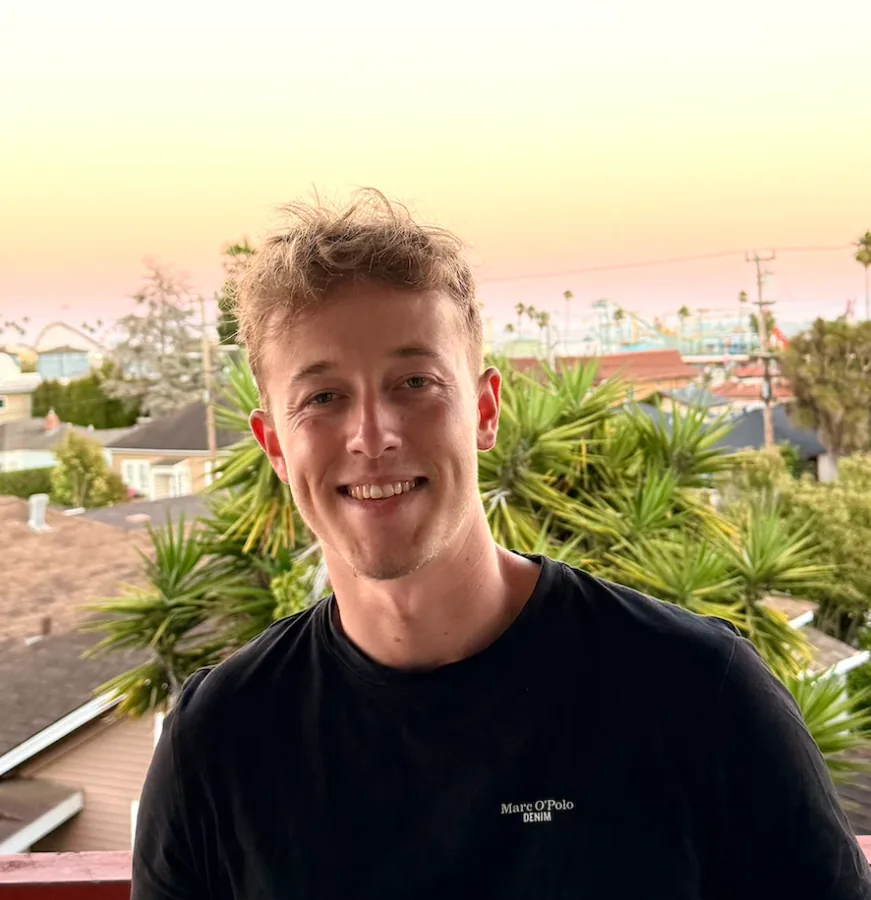
What an I'm attending graphic says
The message is simple: I registered, I am going, and here is the event. Where a Meet Me At graphic adds an invitation to meet, an I'm attending graphic is a plain announcement. Many events use the two phrases interchangeably, and the format is identical: the event's design with a space for the person's face.
What makes it work is that it is first-person. The post comes from the attendee's own profile, in their name, to people who know them. For their contacts it is news about a person they know, and only in second place news about an event. That is a very different starting point from an event ad, which has to earn attention from strangers.
Who posts it, and why they say yes
Attendees post it for their own reasons, and it helps to know them. Some want to be found by people they hope to meet. Some want to show their network what they are learning or which industry events they take part in. Some were sent by their employer and want to show it. Very few post to do the organizer a favor, so the request should speak to what the attendee gets out of it.
The other reason people say yes is effort. The quicker posting is, the more people follow through. An attendee who has to download a template, open a design tool and figure out how to place their photo usually gives up halfway. A link that opens a ready graphic, takes a photo and offers a caption keeps them going.
Speakers, sponsors and exhibitors are a special case. They have a clear interest in being seen at the event, so they post more reliably, and they deserve their own version with a role label. See the speaker share card and sponsor social media kit for those.
Wording people are happy to post
The line on the graphic sets the tone of the whole post. It should sound like something a person would say, not like a slogan. Short phrases also stay readable when the image shows up small in a feed.
- I'm attending. Neutral and widely understood. A safe default for conferences and trade shows.
- See you at. Warmer, with an implied invitation. Works well for community events and meetups.
- Meet me at. Explicitly asks people to meet. Good when networking is a main reason to go.
- I'll be at. Casual. Fits informal formats and smaller events.
- Proud to attend. Formal. Some corporate audiences prefer it; others find it stiff, so test it with a few attendees first.
- Join me online. For webinars and virtual summits, where a public post is one of the few visible signs of taking part. For hybrid events, offer one version for the room and one for online, so nobody posts "see you in Berlin" from their desk at home.
The caption does half the work
The graphic catches the eye; the caption explains why the attendee is going. A caption that only repeats the event name adds little. One that says "I'm going for the sessions on supply chain AI, ping me if you'll be there too" starts conversations, because it gives contacts a reason to reply.
Most attendees are glad to get a starting point. Prepare two or three suggested captions with the event name, the date, the event hashtag and, if you want, a link to the event page. Leave room for a personal first sentence and say so: "add one line about why you're going". A free caption generator for different roles and tones is linked at the end of this page.
Where the link should live
An I'm attending campaign lives or dies by how many attendees see the link at a moment when they are in the mood to post. That moment is usually right after they registered, and again shortly before the event.
- Registration confirmation. The email and the page people see after checkout. Excitement is highest here.
- Reminder emails. Each one is a second chance for people who skipped the first mention.
- Event app and community channels. Slack, WhatsApp or community groups where attendees already talk to each other.
- Event website. A small section or button near the agenda, for people who come back to check details.
- On site. A QR code on screens, badges or tables for people who decide on the day.
How to know it is working
Look at the funnel, not just the final number. How many attendees saw the link, how many opened it, how many created a graphic and how many posted. Across Go Spread campaigns, 40–60% of people who open the link download the graphic. If your share is far below that, the graphic or the flow is the problem. If few people open the link at all, the problem is where and when you ask.
Then watch which version gets used. When an event offers several graphics, one usually pulls ahead, and a variant of the winner often does better than a fresh idea. Reach itself is an estimate, because LinkedIn does not show organizers the impressions of personal posts; the event reach calculator estimates impressions from your attendee count and the share you expect to post.
Mistakes that cost posts
Asking too late is the most common one. If the first request arrives the week of the event, many attendees have already moved on to logistics. Ask at registration and repeat it.
The second is hiding the person. An image with a small round photo in a corner and a large event logo reads as an advert, and people are less willing to post an advert on their own profile. Make the face the largest element.
The third is friction: logins, app downloads, forms with ten fields. Each step loses people. The flow should be open, add photo, post. And the fourth is silence after launch: if nobody from the event team reposts or comments on attendee posts, attendees get no signal that it mattered, and the next wave is smaller. Our guide to I'm attending graphics on LinkedIn goes deeper on each of these.