Social Wall
Social Wall for events, made by your attendees.
A live wall for the screen at your event. Everyone who creates their graphic can join it with one tap, in your branding, with a QR code that brings the next people in. Free in every Go Spread account.
- Free in every account
- Attendees opt in
- Runs in any browser
Try it
The switches from the editor
Example wall with sample attendees. Here the QR code opens our homepage; at your event it opens your campaign.
Why it works
An event social wall that fills itself.
No moderator hunting for posts, no empty screen. The people at your event are the content.
No hashtags, no scraping
Classic social walls pull public posts by hashtag. This one shows the graphics your attendees create with Go Spread, so it works without anyone posting publicly and without social network APIs.
Your branding on the big screen
Headline, logo and colours are yours. The graphics carry your event design, so the whole foyer looks like your event, not like a feed.
Every scan brings the next person
The QR code on the wall opens your campaign. People see the wall, scan, get their own graphic and join it a minute later.
How it works
Four steps. Live in minutes.
Create the wall for your event
Features
Built for the screen and the people in front of it.
One wall for the whole event
A folder with your attendee, speaker and partner campaigns feeds one wall. Or give a single campaign its own.
Whole graphic or photo only
Show the finished graphics in their own format, square or portrait, or only the faces. Switch any time, also during the event.
First names and captions
Attendees can add a first name and one line, like what they are looking forward to. Turn either off with one switch.
Nothing unchecked
Entries wait for your approval by default. Hide or delete any entry in a second, the wall follows within seconds.
A counter that grows
"X people got their graphic" counts everyone who downloaded or posted their graphic for your event, live.
A QR code that recruits
Choose which campaign it opens, usually the attendee one. With an empty wall the code moves to the centre and invites the first people.
Privacy
A live photo wall, only with a yes.
Faces on a big screen need consent. Every attendee decides for themselves, and you stay in control of every entry.
- Only attendees who say yes appear, nobody is added automatically
- They can take it back right after, you can delete any entry any time
- Entries and their images are deleted after the period you set (60 days by default)
- The wall link is secret and never shows up in search engines
- Hosted in the EU, no LinkedIn data is read or stored
Where it runs
Every screen at your event, one link.
Conferences, trade fairs, festivals and community meetups: wherever people wait, meet or celebrate, the wall shows who is there.
- Foyer and registration
- Main stage before the keynote
- Breaks between sessions
- Networking area
- Trade fair booth
- Afterparty
- Community meetups
FAQ
Social wall for events: FAQ.
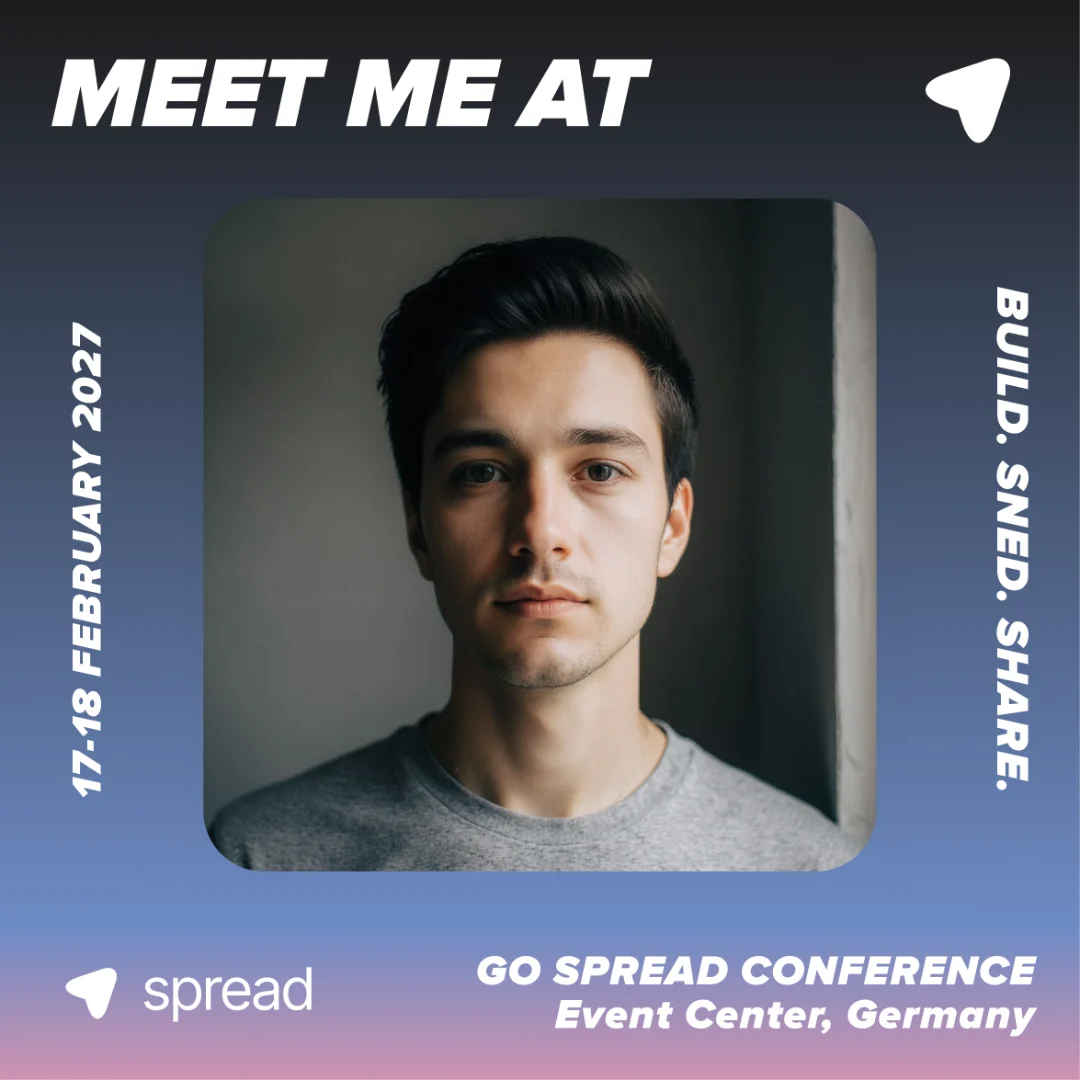
A social wall is a live display for a screen at your event that shows the people who are there. The Go Spread Social Wall shows the personal Meet Me At graphics your attendees create for your event, with their first names and a short line, in your branding and with a QR code that invites the next people.
They create their graphic on your Go Spread campaign page as usual. Right after their download or a direct LinkedIn post, a pop-up asks once if they want to be on the wall. With a yes, their graphic and photo go to the wall, after your approval.
No. The Social Wall is included free in every Go Spread account. You only need a campaign for your event.
Any screen with a browser: a TV with a laptop, a projector or a smart display. Open the wall link, switch to full screen, done. The wall updates by itself every few seconds, so nobody has to touch it during the event.
Yes, that is the default. New entries wait under "Waiting" until you approve them, from your laptop or phone. You can also hide or delete any entry later. If you prefer, switch on "Show entries right away".
No. Hashtag walls depend on public posts and on what social networks let them read. The Go Spread Social Wall shows the graphics attendees create on your campaign page and agree to share on the wall, so it fills up even when people post on LinkedIn, where hashtag feeds are hard to get.
Yes. Put your campaigns into a folder, for example one for attendees, one for speakers and one for partners, and create the wall for the folder. All of them feed the same wall, and the QR code opens the campaign you choose.
Attendees join only with a yes and can take it back right after joining; you can delete any entry at any time. Entries and their images are deleted automatically after the period you set. The wall link is secret and not indexed, and everything is hosted in the EU.
Put your attendees on the big screen.
Create your campaign, switch on the Social Wall and open the link on your event screen. Free in every account.